
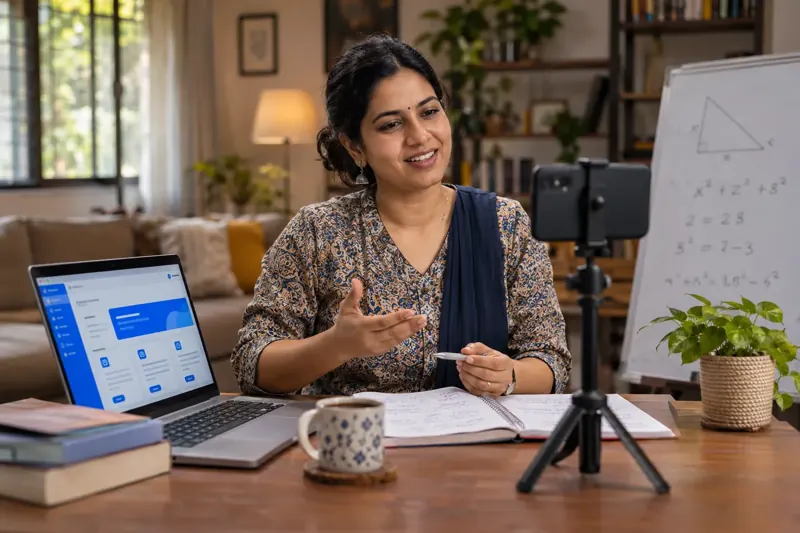


Your question paper, ranked like the real exam.
Upload your question paper as a Word or CSV file, set the timer, marks and negative marking, and publish it inside your courses. Every attempt is scored for you, and your students see their rank and percentile on the leaderboard.
Start from the paper you already have.
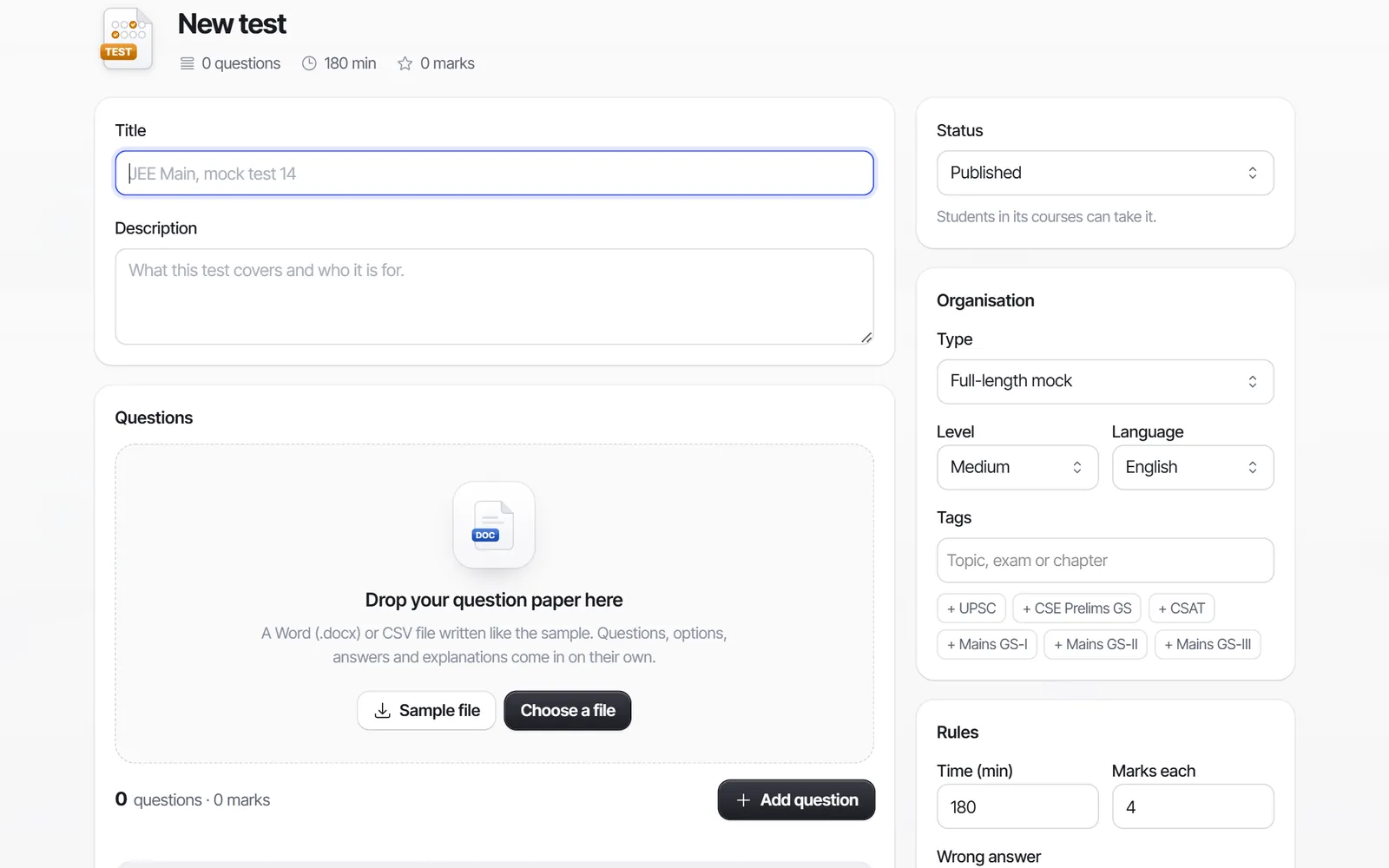
Press Build test, give it a title, and drop in your question paper. A Word or CSV file written like the sample brings in the questions, options, answers and explanations on its own. You can also add questions one by one.
- Word (.docx) or CSV import, with a sample file to copy the format
- Add or edit any question by hand
- Type: full-length mock, chapter test, sprint or olympiad
- Level, language and tags for each test
Set the exam pattern. Marks, minus marks, time.
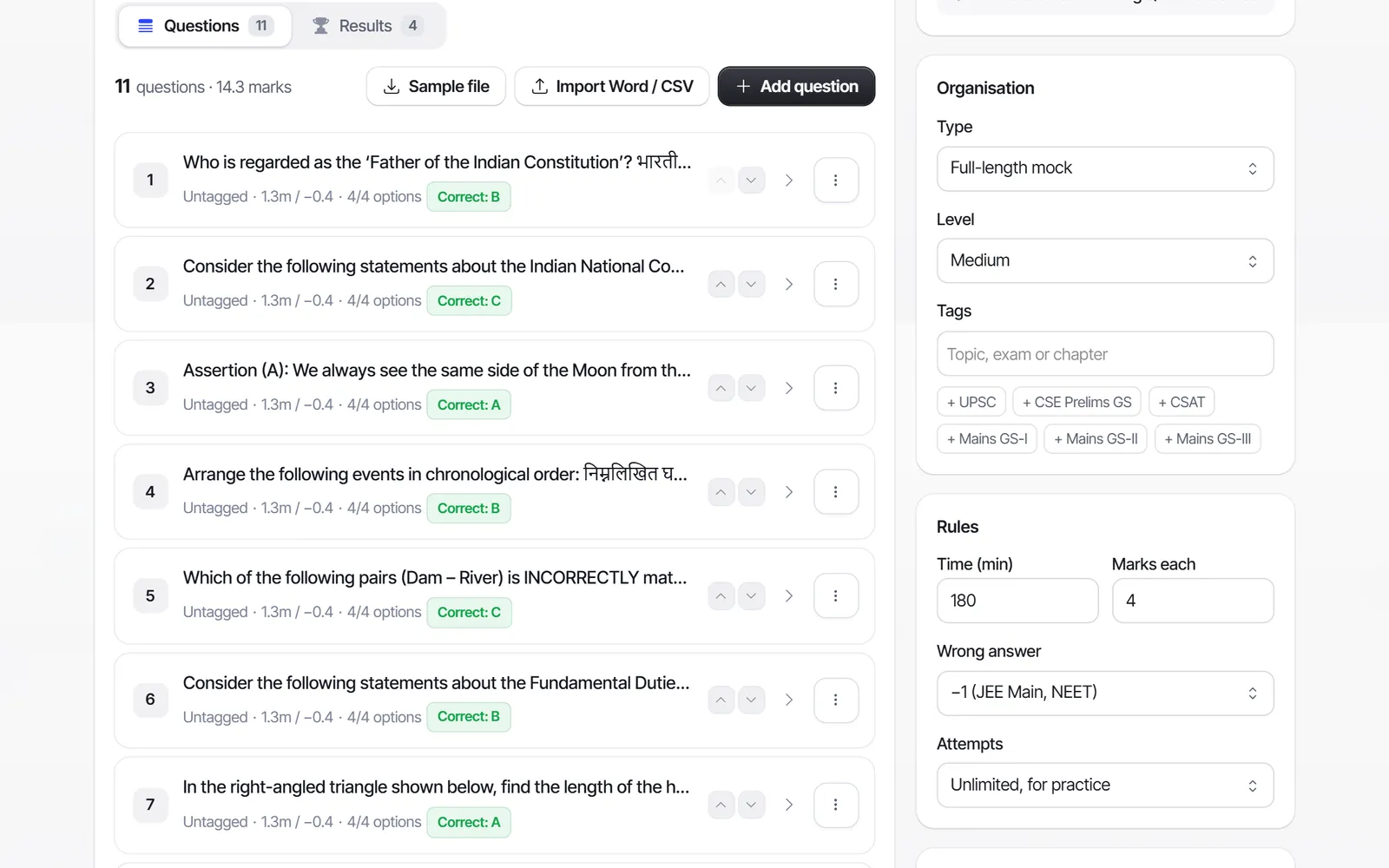
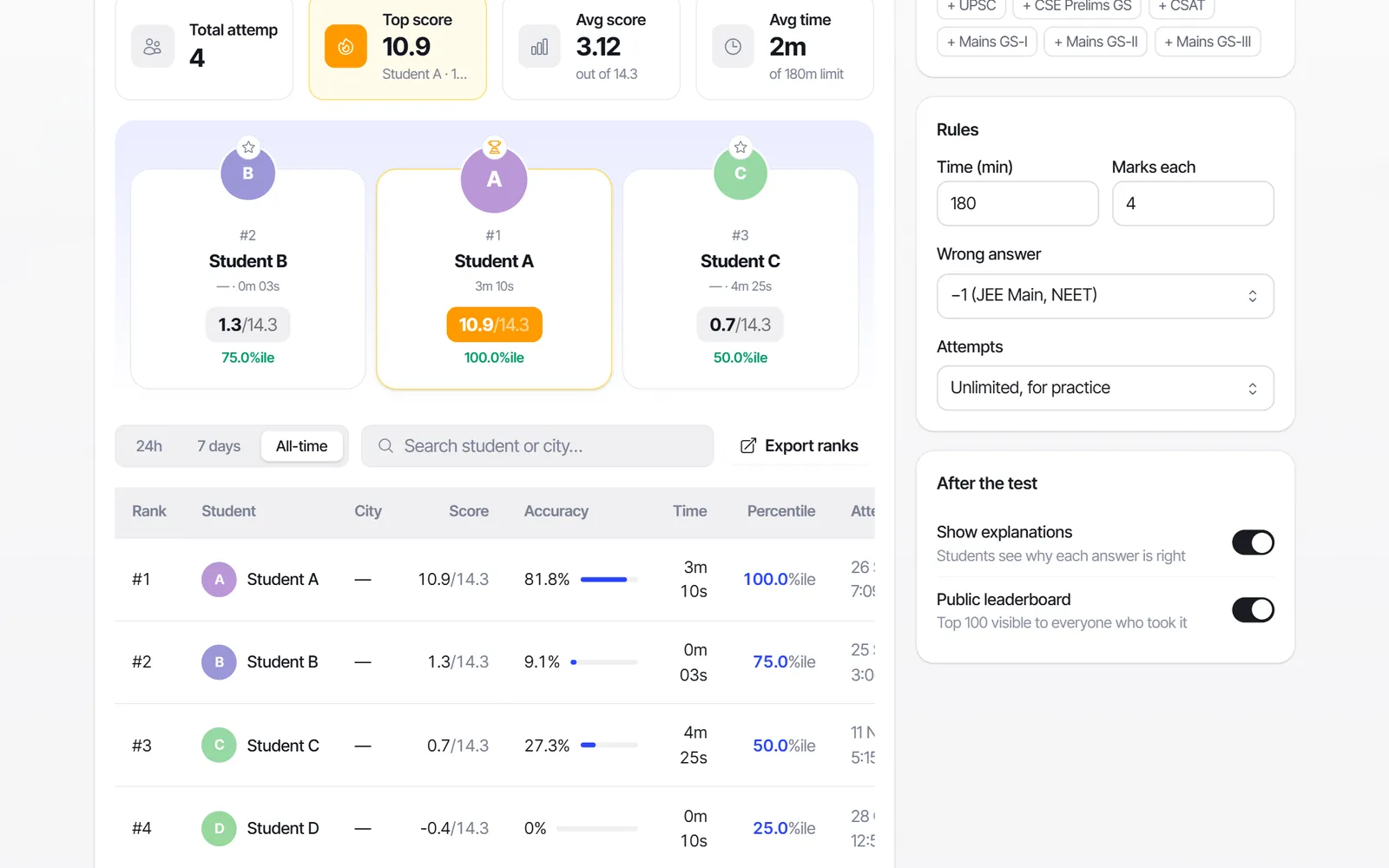
Choose the time limit, marks for each question and what a wrong answer costs, such as the minus one used in JEE Main and NEET. Decide how many times a student can attempt it, whether explanations show after the test, and whether the leaderboard is public.
- Timer, marks each and negative marking per test
- Set how many attempts, or unlimited for practice
- Explanations shown after the test, on or off
- Correct answer visible for each question, and the order easy to change
Every attempt scored. Every student ranked.
Results show attempts, the average score and the top score, with a graph of the last 14 days. Below, the leaderboard lists the top three and then every student with rank, score, accuracy, time and percentile, so a mock feels like the real exam.
- All-India rank and percentile on the leaderboard
- Filter by 24 hours, 7 days or all time, and export ranks
- Full-screen anti-cheat lock while the test is running
- Questions in random order for each student
Test series, step by step.
The same steps as the studio tutorial at the top of this page.
- Build testOpen Content, then Test series, and press Build test.
- Add questionsUpload your Word or CSV question paper, or add questions one at a time.
- Set the rulesChoose the time, marks each, negative marking and number of attempts.
- Preview and publishSee the test as a student would, with the timer and answers, then publish it in a course.
- Read the leaderboardOpen Results to see attempts, scores and each student's rank and percentile.
What educators ask about test series.
How do I create an online test series?
Create a test in Content, then Test series, add your questions, set the marks, negative marking and timer, then publish it in a course.
How do I add negative marking?
In the test's Rules, set what a wrong answer costs, for example minus one as in JEE Main and NEET. It applies to every question in that test.
Can I upload questions from a Word file?
Yes. Upload your question paper as a Word (.docx) or CSV file written like the sample file; the questions, options, answers and explanations come in on their own.
Do students see their rank and percentile?
Yes. The leaderboard shows each student's rank, score, accuracy, time and percentile, and you can make it public or keep it private.
Can students cheat during a test?
Tests run with a full-screen anti-cheat lock and can show questions in random order, which makes copying much harder.
More from your studio.


Test series, free for 7 days.
Set it up in your own studio, under your own brand. No card, no developer, no sales call.
7 days free, no card needed · Monthly plans from ₹3,999 with 0% commission · Prices exclude GST