
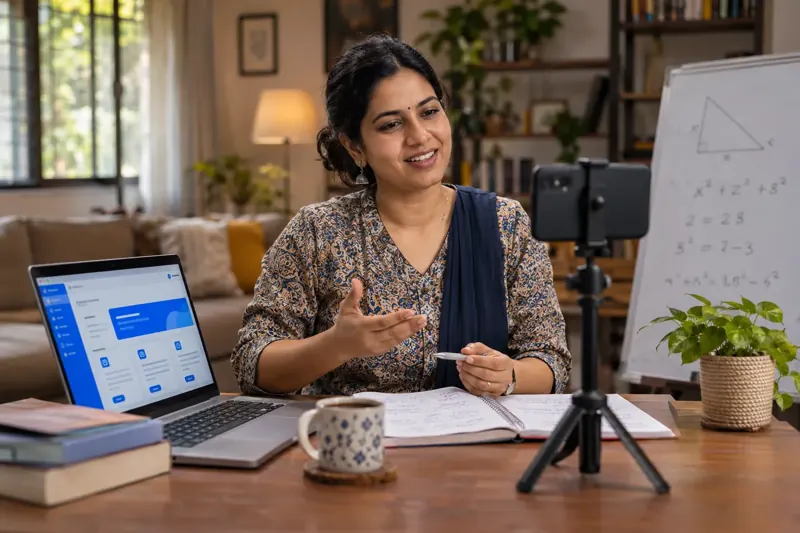


Your academy online, under your own name.
Set your logo, cover, name and handle once in the studio, and your academy website carries them everywhere. Students browse your courses, tests and notes on a site that looks like yours, on a free .allcoaching.in address or your own domain.
One profile. Your whole identity.
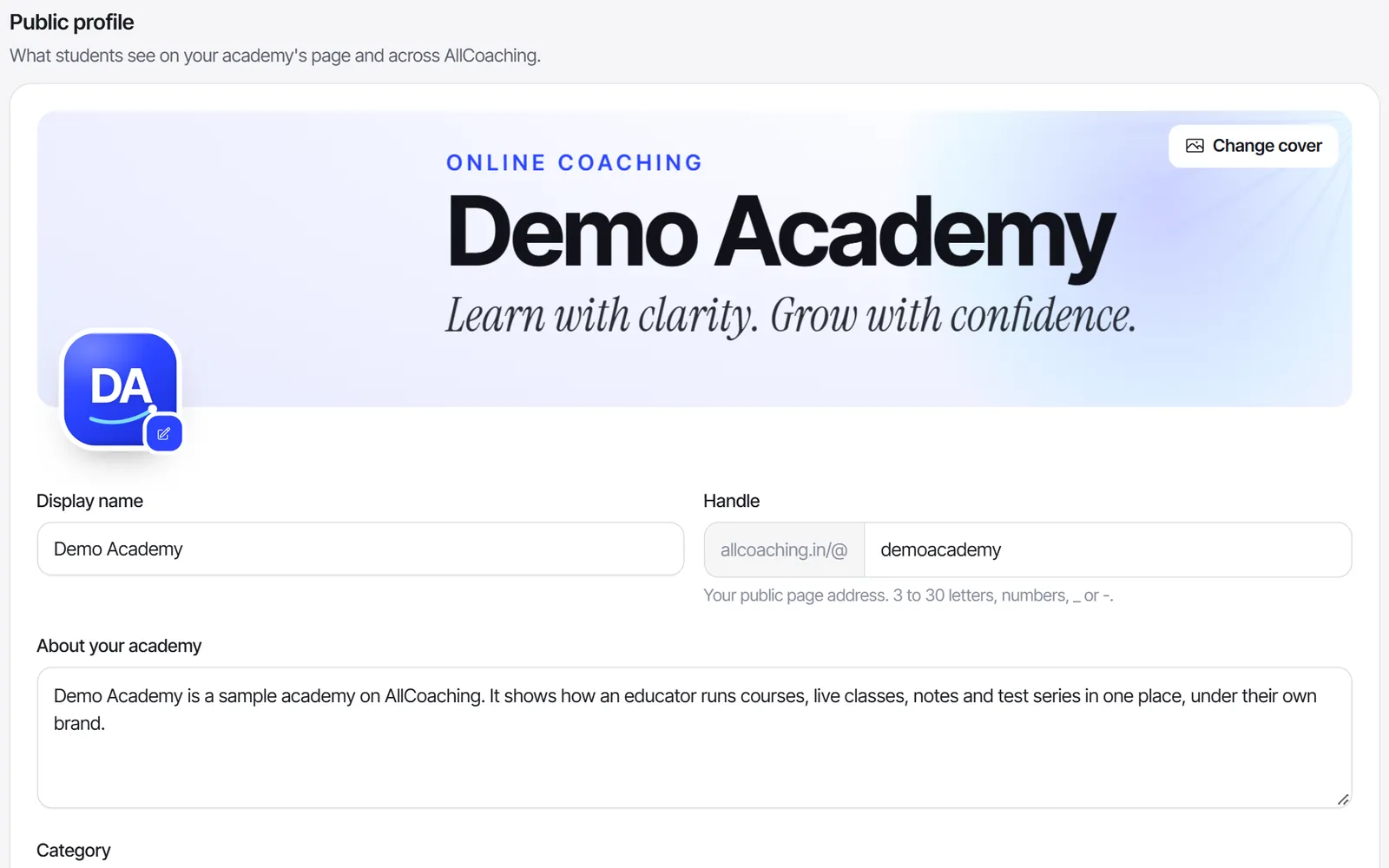
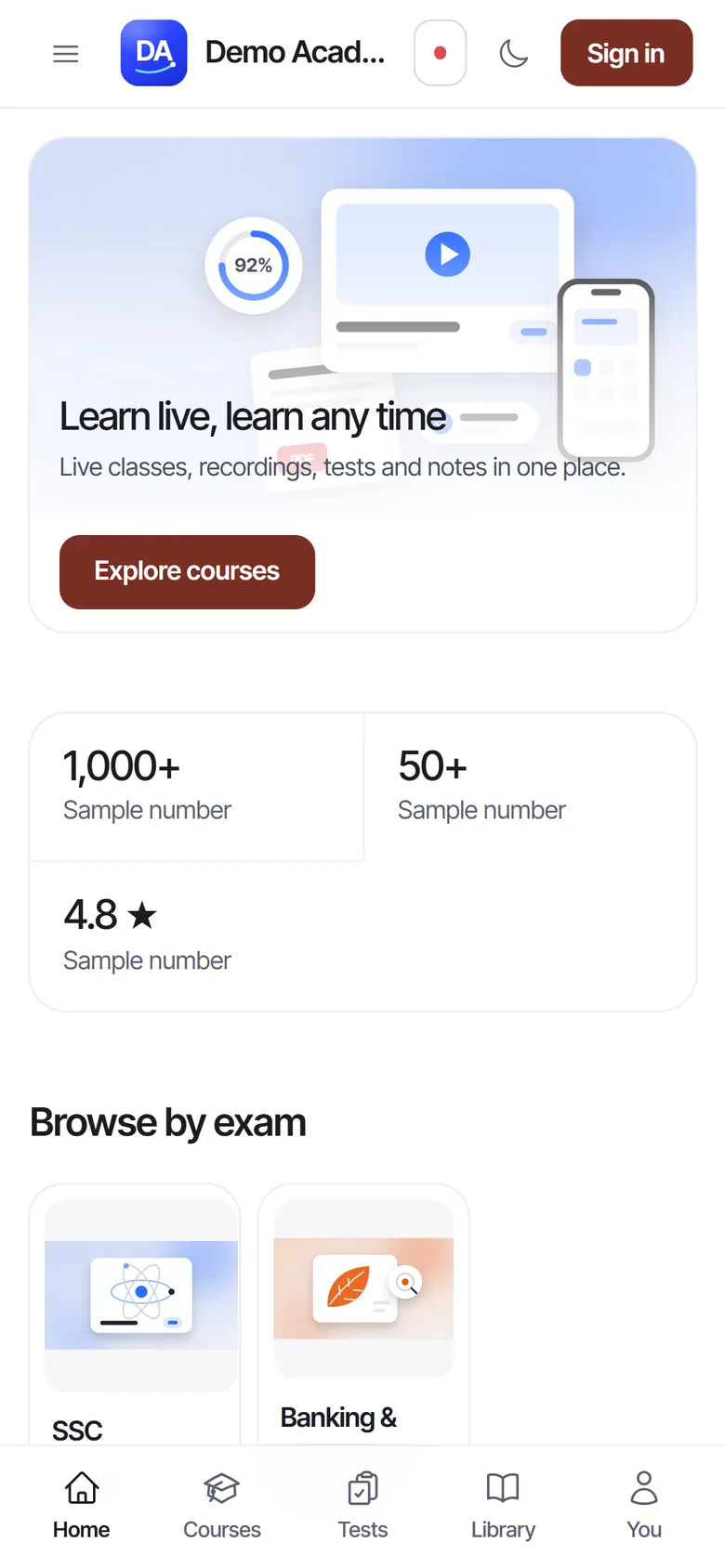
Educator Profile is where your academy’s identity is set. Your cover, logo and display name show to students on your academy page and across AllCoaching, and your handle becomes your public page address.
- Change cover and upload a new logo in a click
- Display name shown everywhere students see you
- Handle checked for availability as you type
- A few lines about what you teach, and for whom
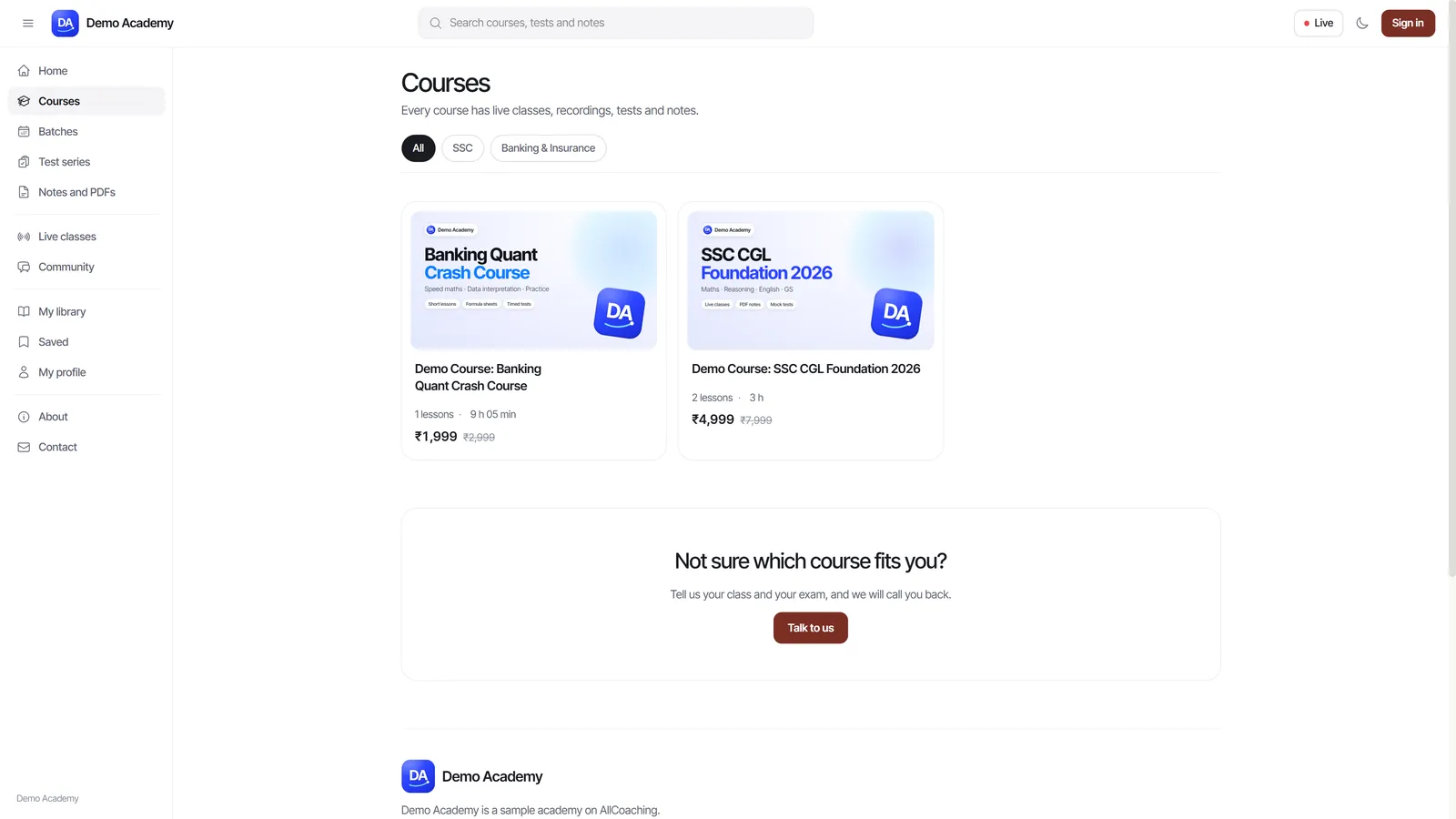
A website students can browse and buy from.
Your academy website lists your courses, batches, test series and notes under your name and logo. Every academy gets a free .allcoaching.in address, and you can connect your own domain on every plan.
- Free .allcoaching.in web address
- Connect a domain you buy from any registrar; connecting is free
- Drag-and-drop page builder for your own pages
- Courses filtered by the categories you teach
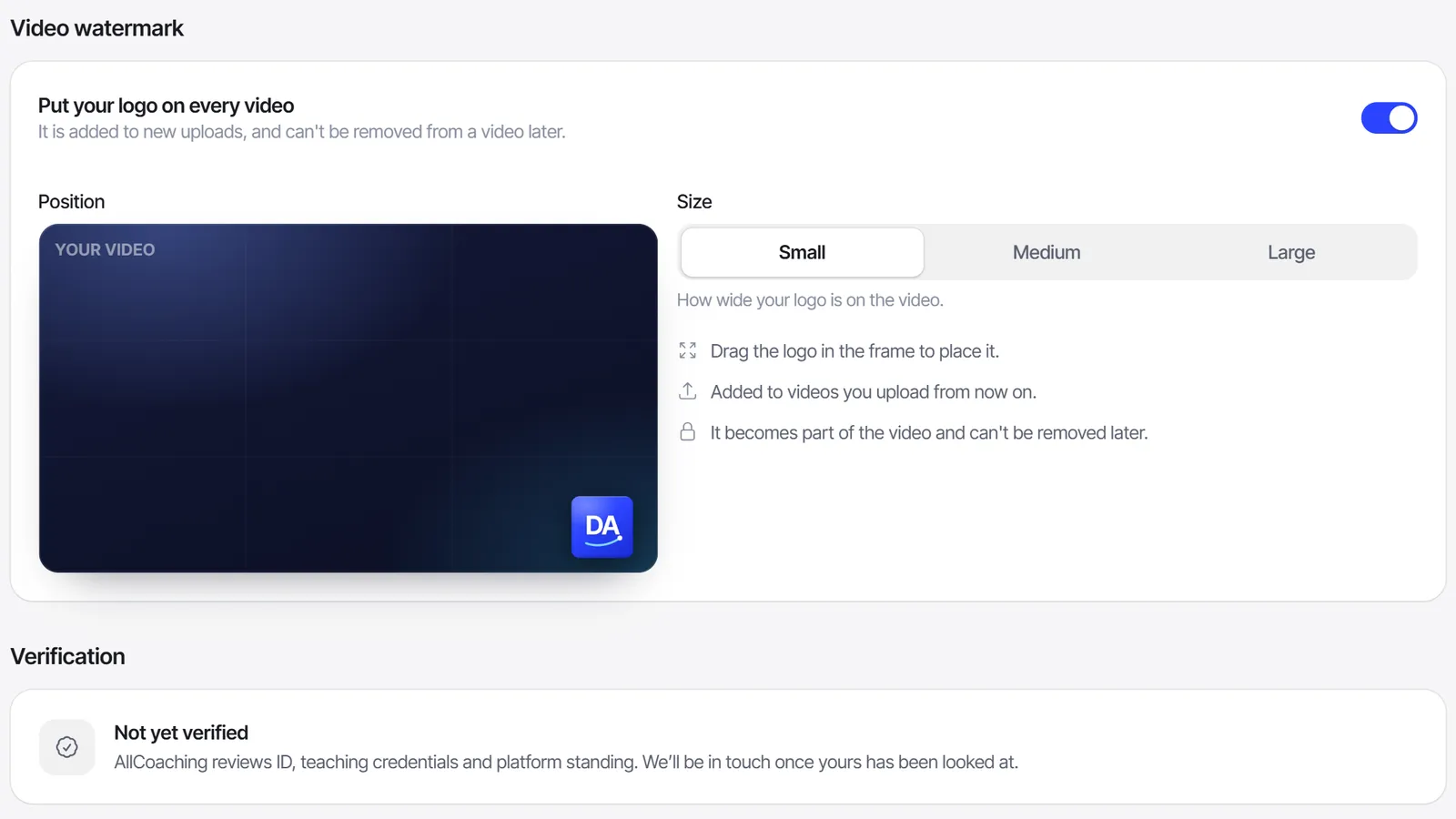
Your logo, on every video.
Turn on the video watermark and your logo is added to every video you upload from then on. Drag it to the spot you want in the frame and pick small, medium or large.
- Drag the logo to place it in the frame
- Small, medium or large
- Added to new uploads automatically
- It becomes part of the video and can’t be removed later
Academy website, step by step.
The same steps as the studio tutorial at the top of this page.
- Open Educator ProfileIn the studio, go to Settings and open Educator Profile.
- Add your cover and logoUpload a cover and logo, then set your display name and handle.
- Choose your categoryWrite a few lines about your academy and pick the kind of coaching you do.
- Set links and watermarkAdd your website, YouTube, Instagram and X, and turn on the video watermark.
- Save changesSave, and the changes show on your public page straight away.
What educators ask about academy website.
How do I start my own online coaching academy?
Sign up on AllCoaching, choose a plan, set up your brand in Settings › Educator Profile, then upload a course and start selling. Every plan starts with a 7-day free trial, no card needed.
How do I add my logo and profile?
In Settings › Educator Profile, upload your logo and cover, fill in your display name, handle, about and category, and save. Changes show on your public page as soon as you save.
Can I use my own domain?
Yes. Every academy gets a free .allcoaching.in address, and you can connect your own domain on every plan. You buy the domain from any registrar, and connecting it is free.
How do I put my watermark on my videos?
Turn on Video watermark in your Educator Profile, drag your logo to where you want it and pick small, medium or large. It is added to videos you upload from then on and can’t be removed from a video later.
What does the category in my profile change?
It sets the course categories and suggested tags you see when you add courses, videos and PDFs, and the filters on your Courses list.
More from your studio.


Academy website, free for 7 days.
Set it up in your own studio, under your own brand. No card, no developer, no sales call.
7 days free, no card needed · Monthly plans from ₹3,999 with 0% commission · Prices exclude GST