Teach live, wherever your class streams.
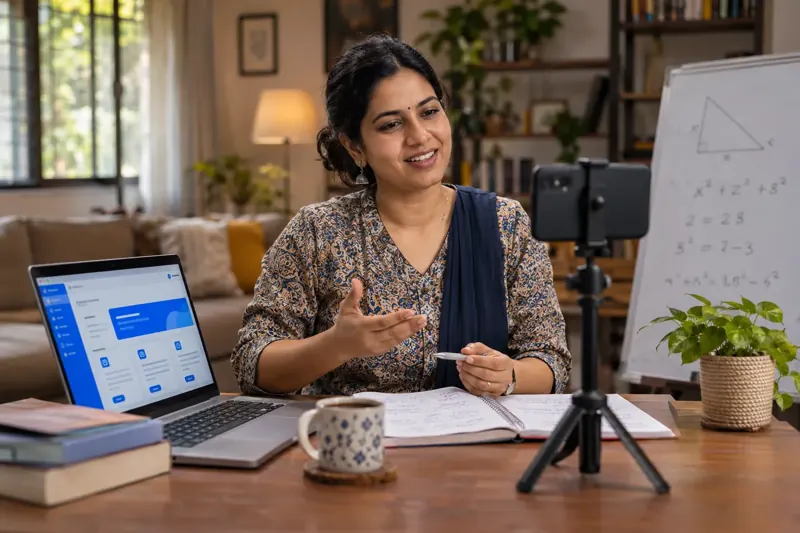
Start a class from the studio and choose where it streams: your YouTube channel, Zoom, or your own private AllCoaching classroom. Go live now or schedule it, and decide whether it is open to everyone or only one course.
Three places to teach. One studio screen.
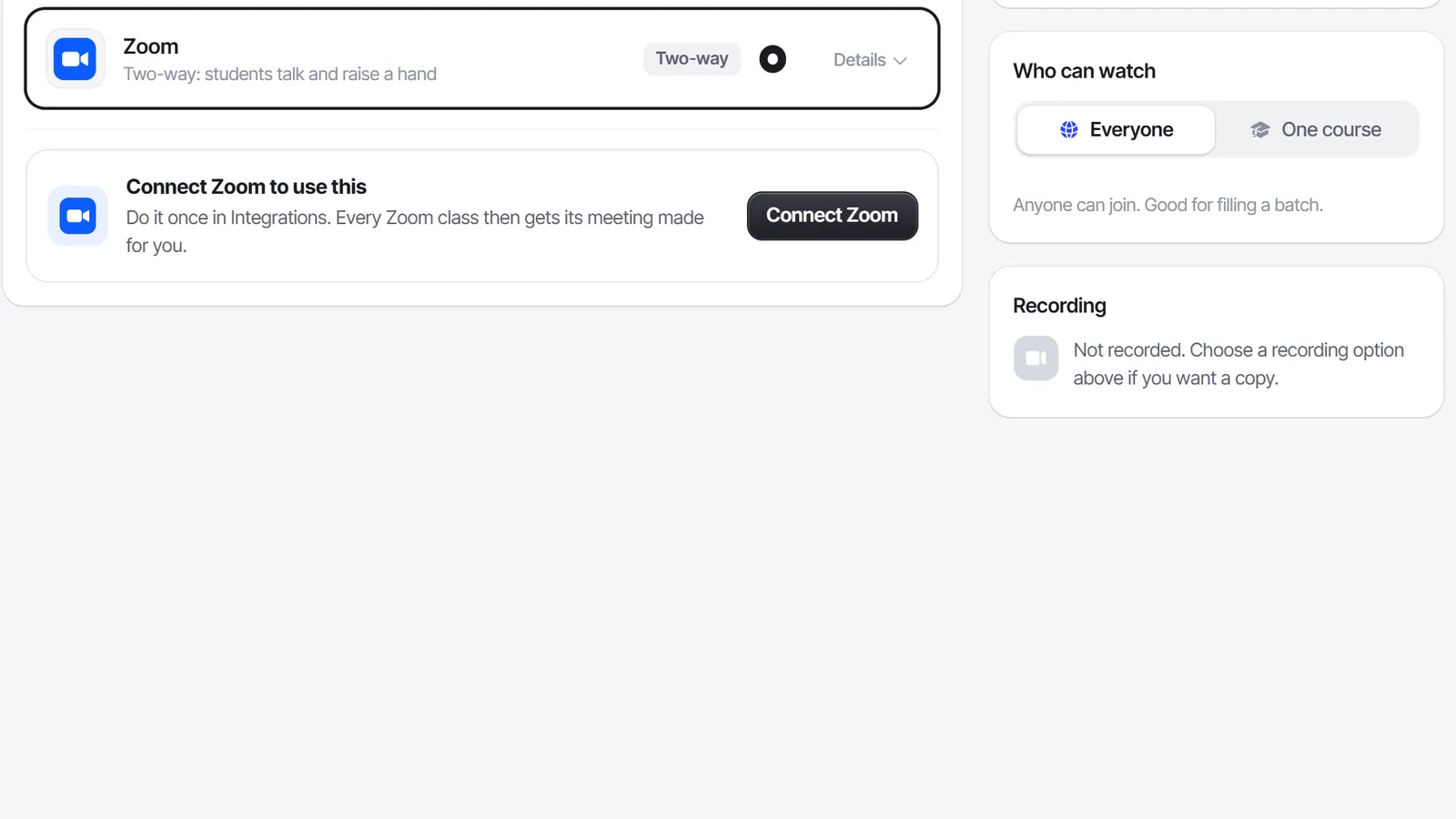
YouTube streams to your own channel with no viewer limit, and the replay stays on your channel. The AllCoaching classroom is private to your students and records the class on its own. Zoom gives a two-way class where students can speak and raise a hand.
- Unlimited live classes on YouTube Live or Zoom on every plan
- Connect Zoom once in Integrations; each class gets its meeting made for you
- AllCoaching classroom: private, recorded and saved with the class
- Thumbnail made from your title, or upload your own
Your laptop, your phone, or your studio setup.
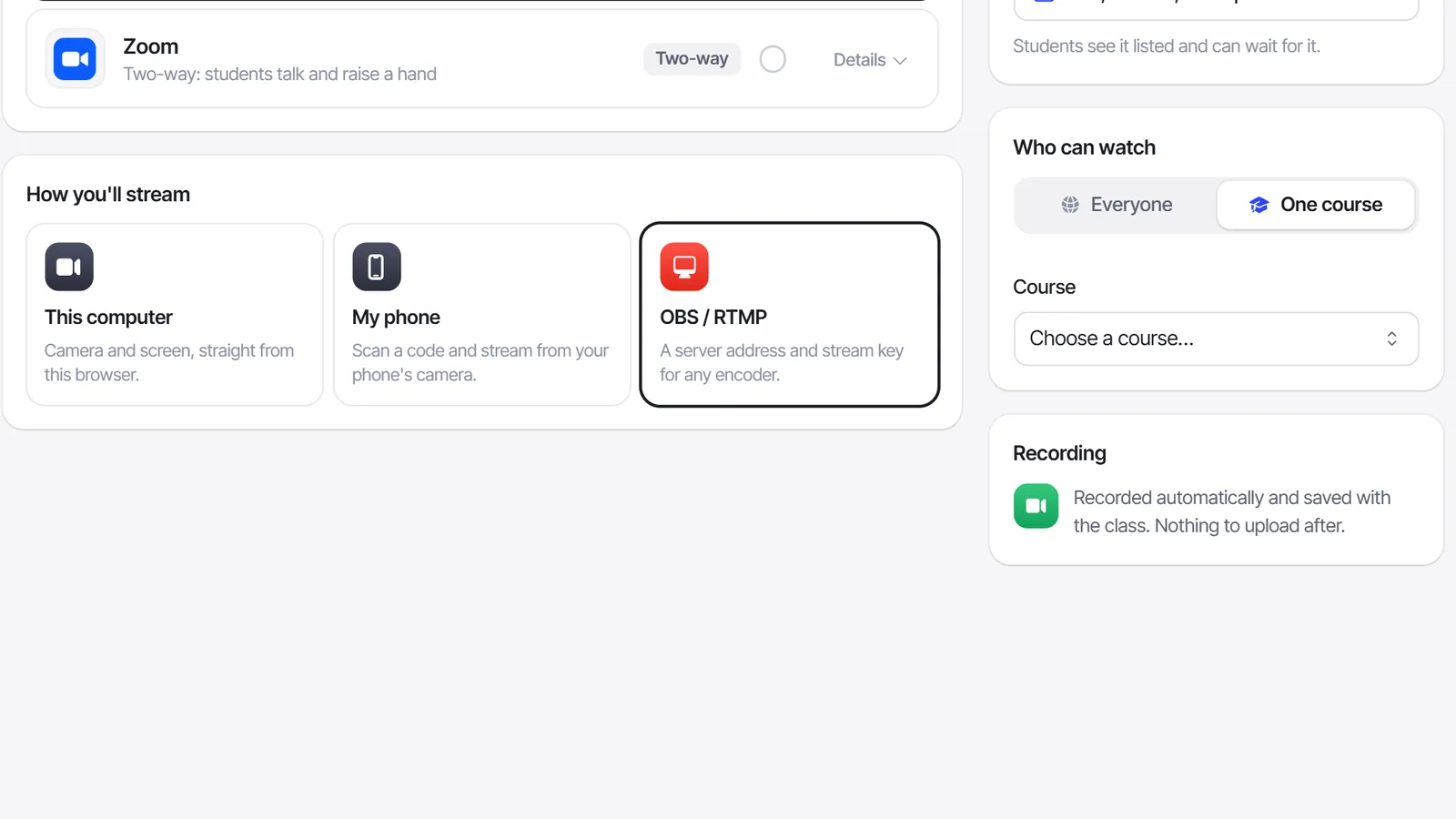
Into the AllCoaching classroom you can stream three ways: straight from this computer with camera and screen, from your phone by scanning a code, or from OBS or any encoder with a server address and stream key.
- This computer: camera and screen, straight from the browser
- My phone: scan a code and stream from its camera
- OBS or RTMP: server address and stream key for any encoder
- Recorded automatically, nothing to upload after
Go live now, or schedule it ahead.
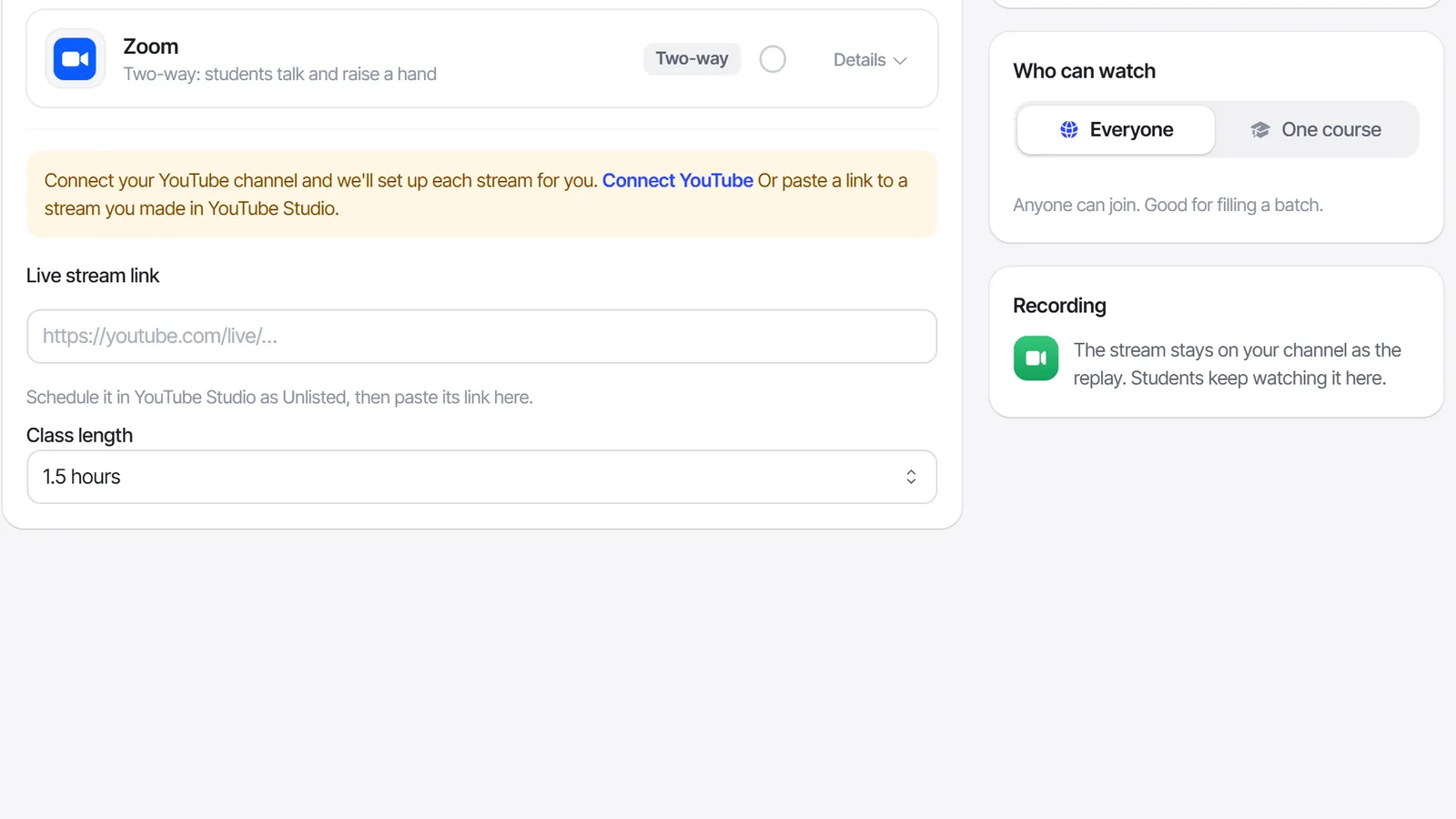
Start now to go straight to the camera, or pick a date and time so students see the class listed and waiting. Open it to everyone, which suits filling a new batch, or only to the students of one course.
- Start now, or Later with a date and time
- Everyone, or one course only
- YouTube: connect your channel or paste a stream link from YouTube Studio
- Set the class length before you go live
Live classes, step by step.
The same steps as the studio tutorial at the top of this page.
- Start a classOpen Live and press Start a class, then add a title.
- Pick where it streamsChoose YouTube, the AllCoaching classroom or Zoom.
- Pick how you streamFor the classroom, use this computer, your phone or OBS.
- Set when and whoStart now or schedule it, and open it to everyone or one course.
- Go livePress Create and go live, and the class begins.
What educators ask about live classes.
How do I take live classes online?
In Live, start a new class and pick where it streams: YouTube Live, Zoom, or the AllCoaching classroom. Then choose when it starts and who can watch.
Zoom or YouTube Live for teaching?
Both work. YouTube suits large classes on your own channel with no viewer limit; Zoom suits two-way classes where students speak and raise a hand. Live classes on either are unlimited on every plan.
Can I stream from my phone, computer or OBS?
Yes. Into the AllCoaching classroom you can stream from this computer, from your phone by scanning a code, or from OBS or any encoder with a server address and stream key.
Are my live classes recorded?
Classes in the AllCoaching classroom are recorded and saved with the class on their own. YouTube classes keep their replay on your channel, and students can keep watching it in your academy.
How many hours does the built-in classroom include?
On monthly plans the built-in classroom includes 20, 50 or 90 hours a month on Starter, Growth and Pro. On yearly plans it is 5, 10 or 15 hours a month. YouTube Live and Zoom classes are unlimited and separate from these hours.
More from your studio.
Live classes, free for 7 days.
Set it up in your own studio, under your own brand. No card, no developer, no sales call.
7 days free, no card needed · Monthly plans from ₹3,999 with 0% commission · Prices exclude GST