



Stay with your students between classes.
Community is your app's own feed. Post an update, a page of notes, a short video, a poll, a quiz or a new lecture, and your students see it in your app. Choose who sees each post, and keep drafts for later.
Six kinds of post. One simple composer.
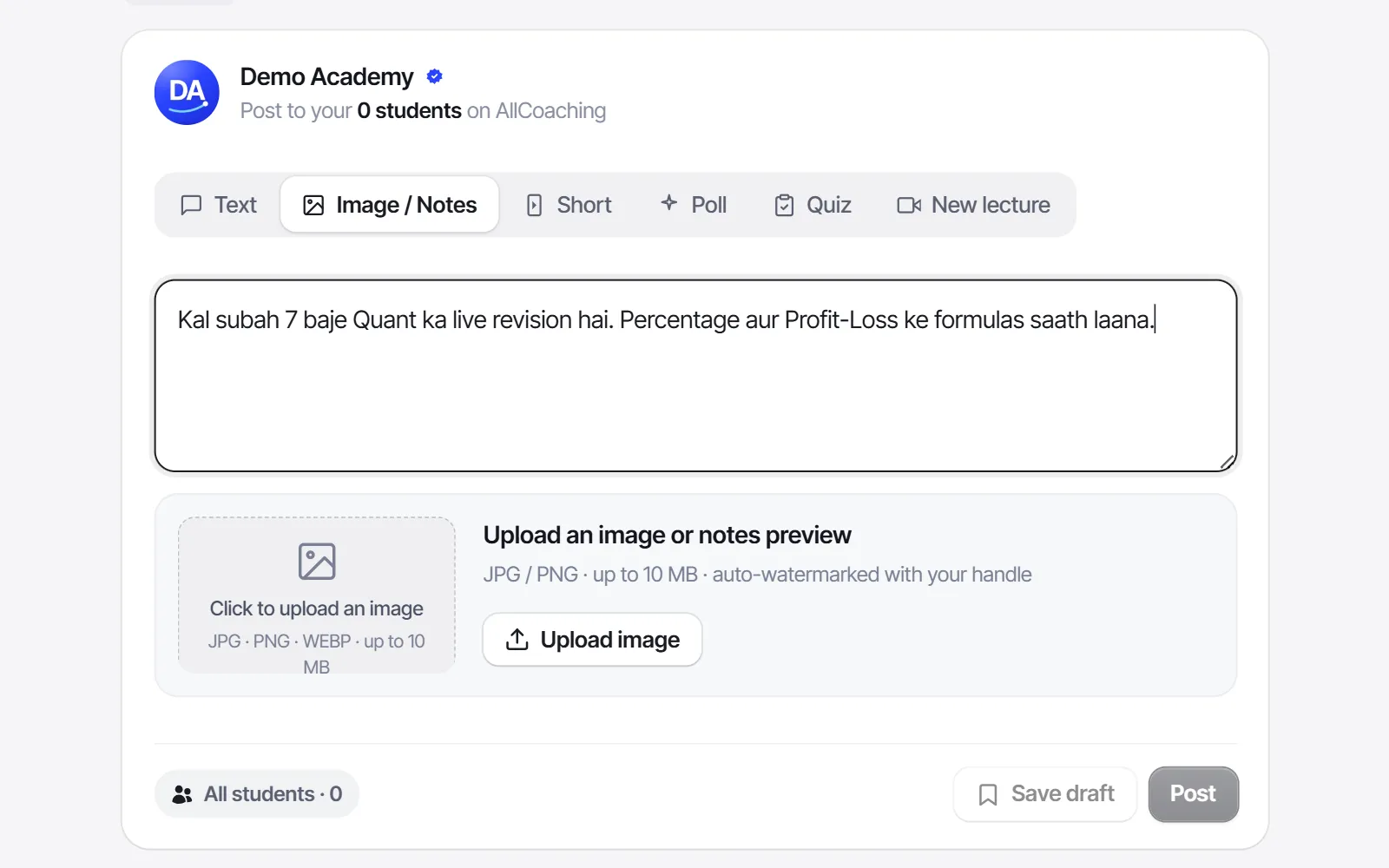
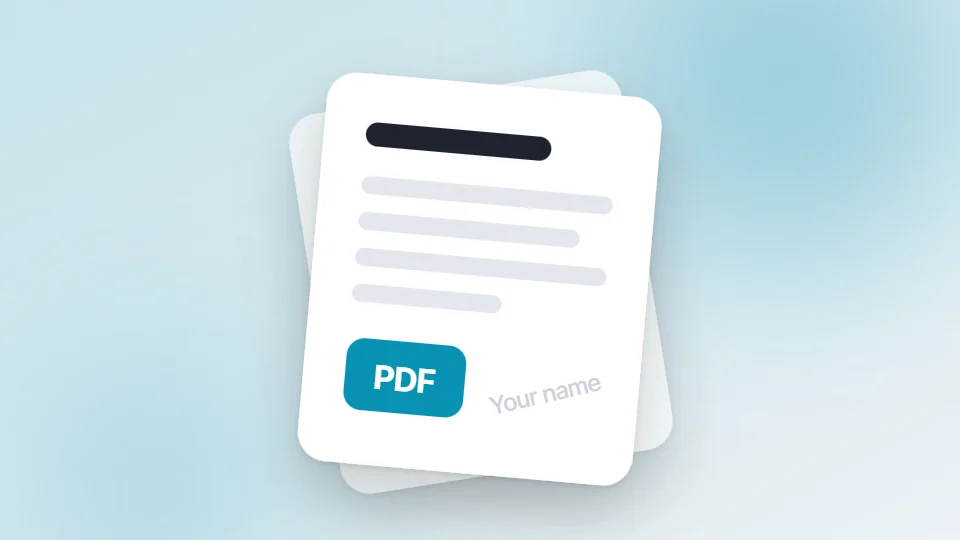
Write a text update, such as tomorrow's revision time. Share an image or a page of notes, and your handle is watermarked on it on its own. Add a short vertical video of up to 60 seconds, or announce a new lecture so a preview card reaches your students' feed.
- Text: any update or class plan
- Image or notes: JPG or PNG, watermarked with your handle
- Short: a 9:16 clip up to 60 seconds, from your library or a new upload
- New lecture: pick from your library and post a preview card
Ask your class. Let the votes decide.
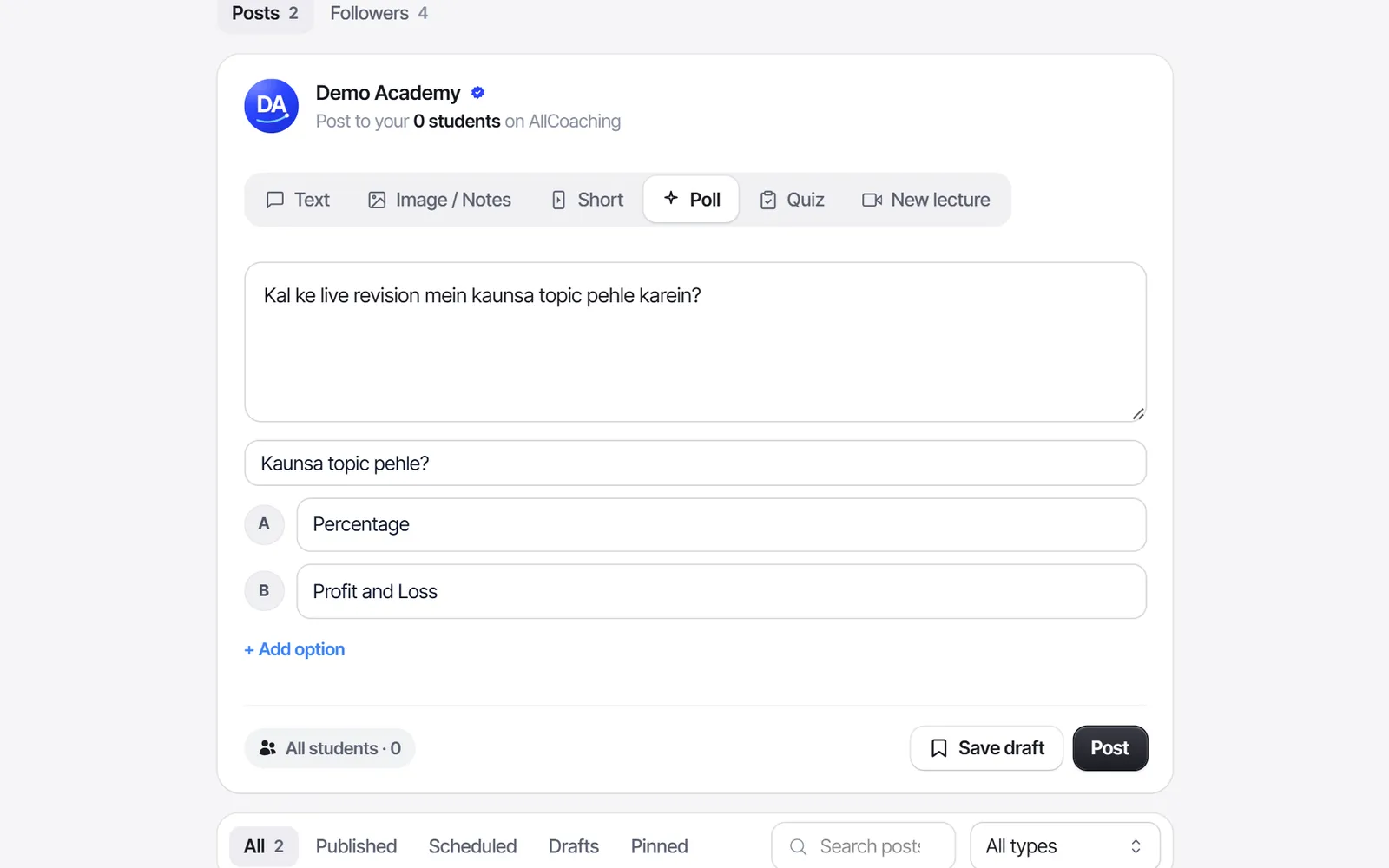
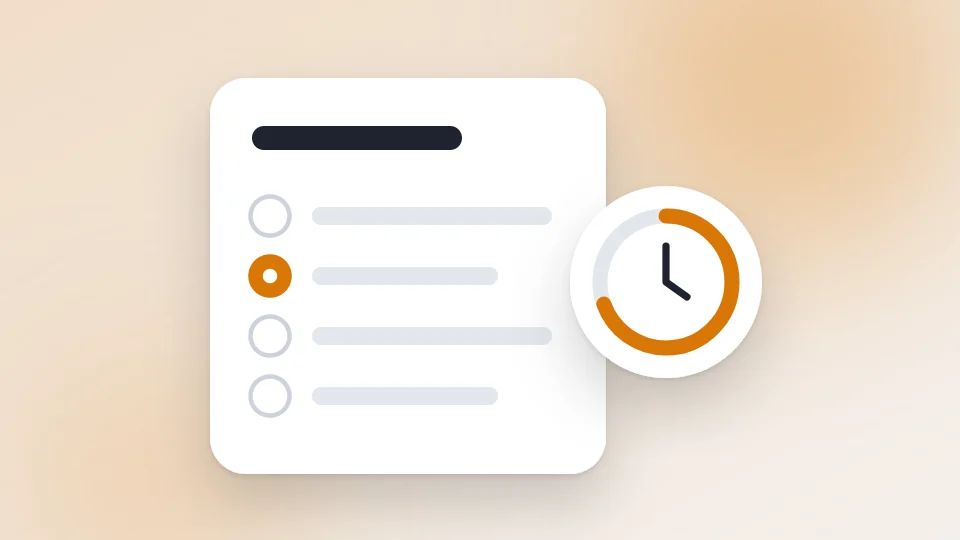
Ask a question straight to your students, such as which topic to revise first. They vote, and you know what the class needs before you plan the next session.
- Add as many options as you need
- Choose who sees the post
- Post now, or save it as a draft
- Filter posts by Published, Scheduled, Drafts and Pinned, or by type
One question a day. The answer after the vote.
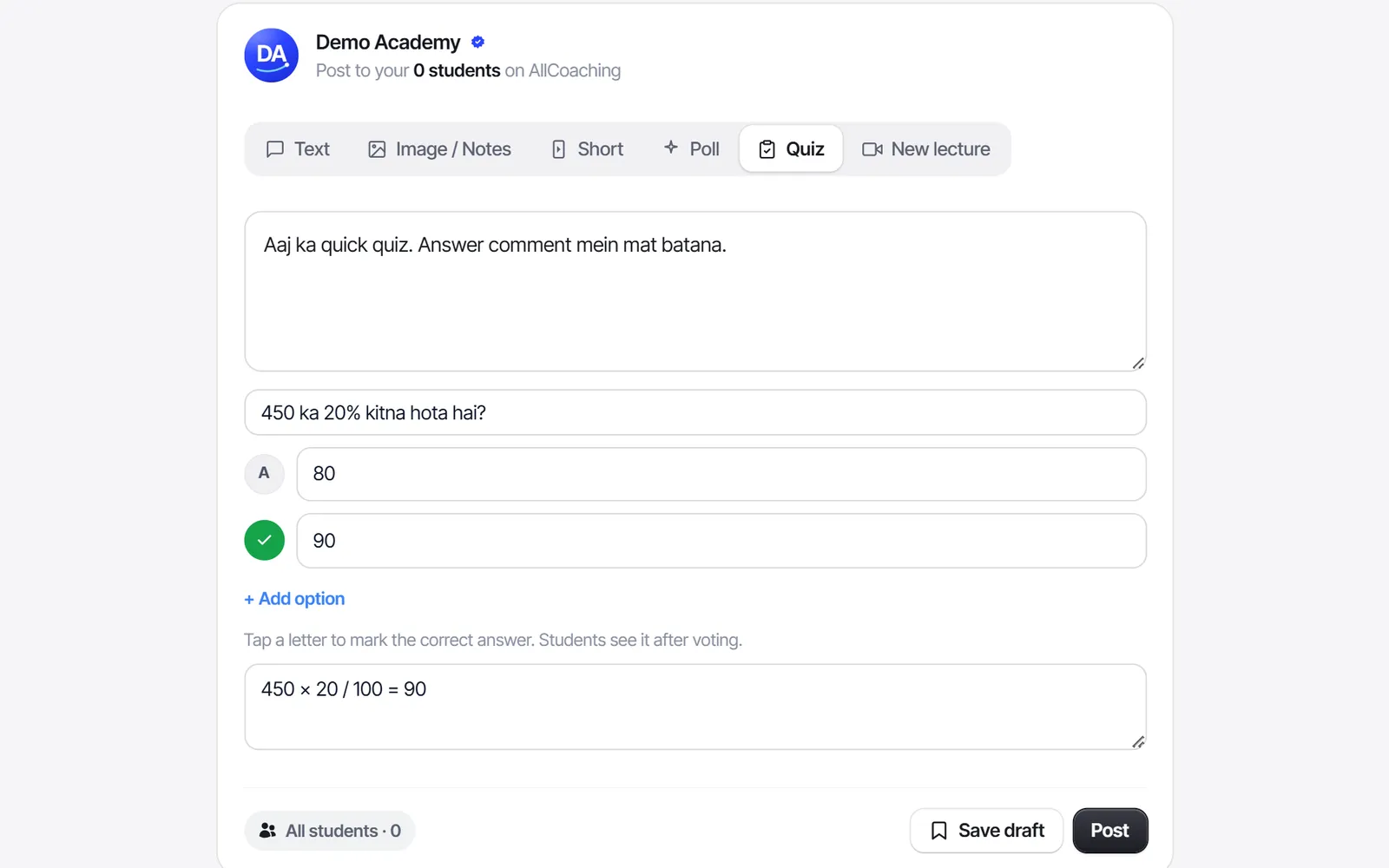
Post a quick question with options and tick the correct answer. After students vote, they see the right answer and your explanation, which keeps practice going outside class.
- Mark the correct option with a tap
- Add an explanation students see after voting
- Followers list shows when each person joined, courses taken and amount spent
Community, step by step.
The same steps as the studio tutorial at the top of this page.
- Open CommunityGo to Community in the studio to see your posts and followers.
- Pick a post typeChoose text, image or notes, short, poll, quiz or new lecture.
- Choose the audiencePick who should see the post.
- Post or savePress Post to publish now, or Save draft for later.
What educators ask about community.
How do I engage online students?
Post text, notes, shorts, polls and quizzes in Community; students see them in your app feed.
How do I make polls and quizzes for students?
Create a new post in Community and pick Poll or Quiz. For a quiz, tick the correct answer and add an explanation students see after voting.
How do I post announcements in my app?
Post it in Community; it reaches the feed of all your followers.
Are my notes protected when I share them?
Images and notes you post are watermarked with your handle on their own.
More from your studio.

Community, free for 7 days.
Set it up in your own studio, under your own brand. No card, no developer, no sales call.
7 days free, no card needed · Monthly plans from ₹3,999 with 0% commission · Prices exclude GST