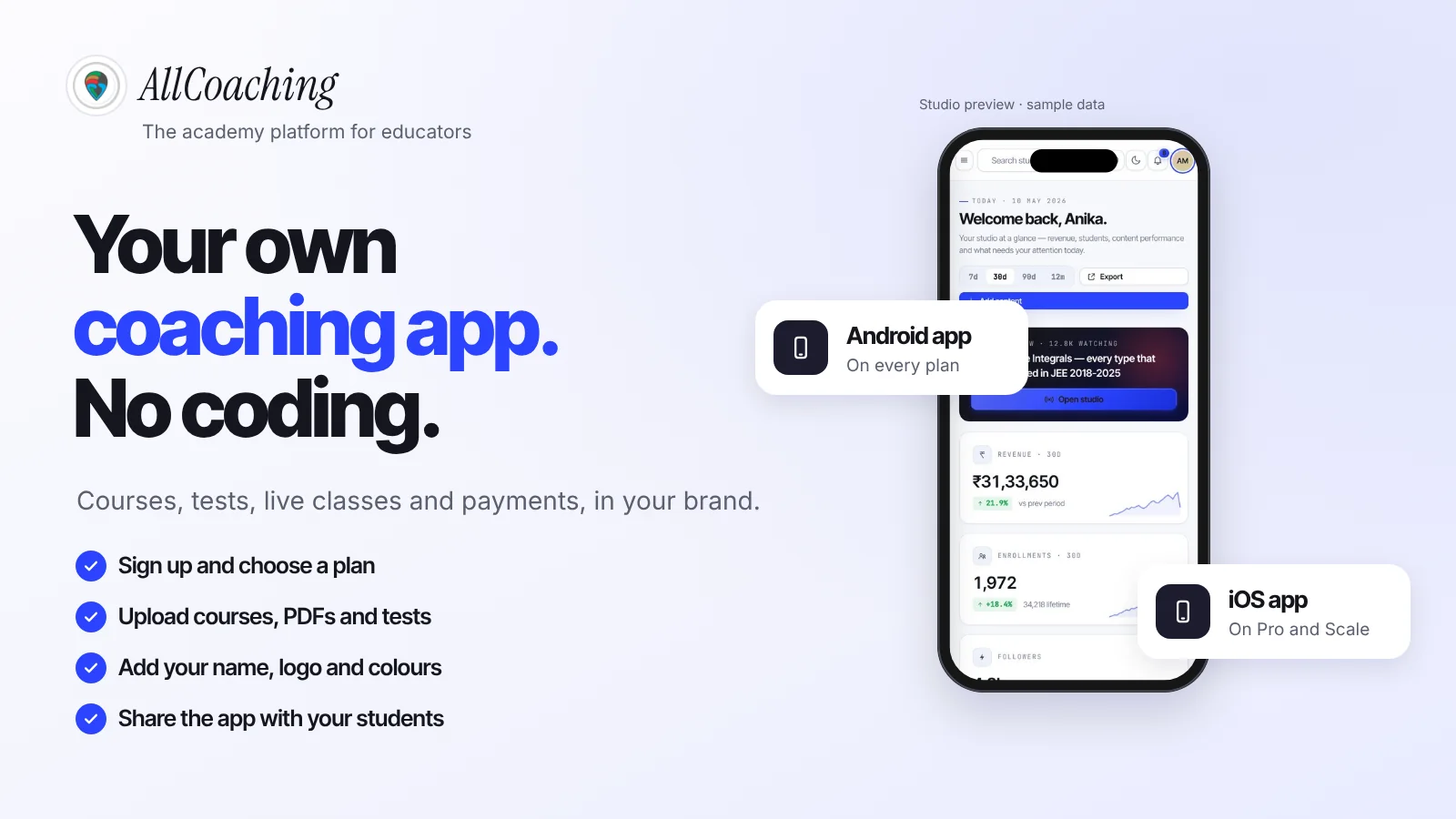

On this page
Start your online academy today. 14 days free.
Start free trialTo make a coaching app without coding, use an academy platform that includes a white-label app: sign up, choose a plan, upload your courses, PDFs and tests, add your academy name, logo and colours, connect your domain, and share the app with your students. The platform builds, hosts and updates the app; you only fill it with your teaching.
Perhaps you teach SSC maths in Hindi to a few thousand YouTube subscribers, run an offline NEET batch in Lucknow, or teach spoken English or yoga to working adults over Zoom. Your students keep asking for one place to find the recordings, the notes and the test link. You look at the big exam brands, each with its own app, and think: I want that, with my name on it. Then you hear what a developer would charge, how long it takes, and that someone has to keep it updated.
This guide is about the app itself. It compares the three honest routes (an agency or freelancer, a no-code app builder, and an academy platform with an app included), lists the features a coaching app for teachers really needs, walks through the six steps to your own branded app, explains Android versus iOS, and shows how to get students to install it from YouTube, WhatsApp and Instagram. If your main goal is the academy website rather than the app, read how to create an online academy without a developer alongside this one.
Key takeaways
- You do not need to code or hire a developer to get your own coaching app; an academy platform with a white-label app builds, hosts and updates it for you.
- Three routes exist: an agency or freelancer builds a custom app to your scope, a generic no-code app builder leaves courses and checkout to you, and an academy platform includes the app with your courses, tests, live classes and payments.
- A coaching app needs eight basics: student login, course library, video lessons, PDF notes, tests, live classes, UPI and card payments, and your own brand.
- Store rules are fixed costs of doing it yourself: Google Play charges a US$25 one-time registration fee, and Apple's Developer Program costs 99 USD a year.
- Students install apps they have a reason to open. Send them from YouTube, WhatsApp and Instagram to a free demo lesson first, then to the app.
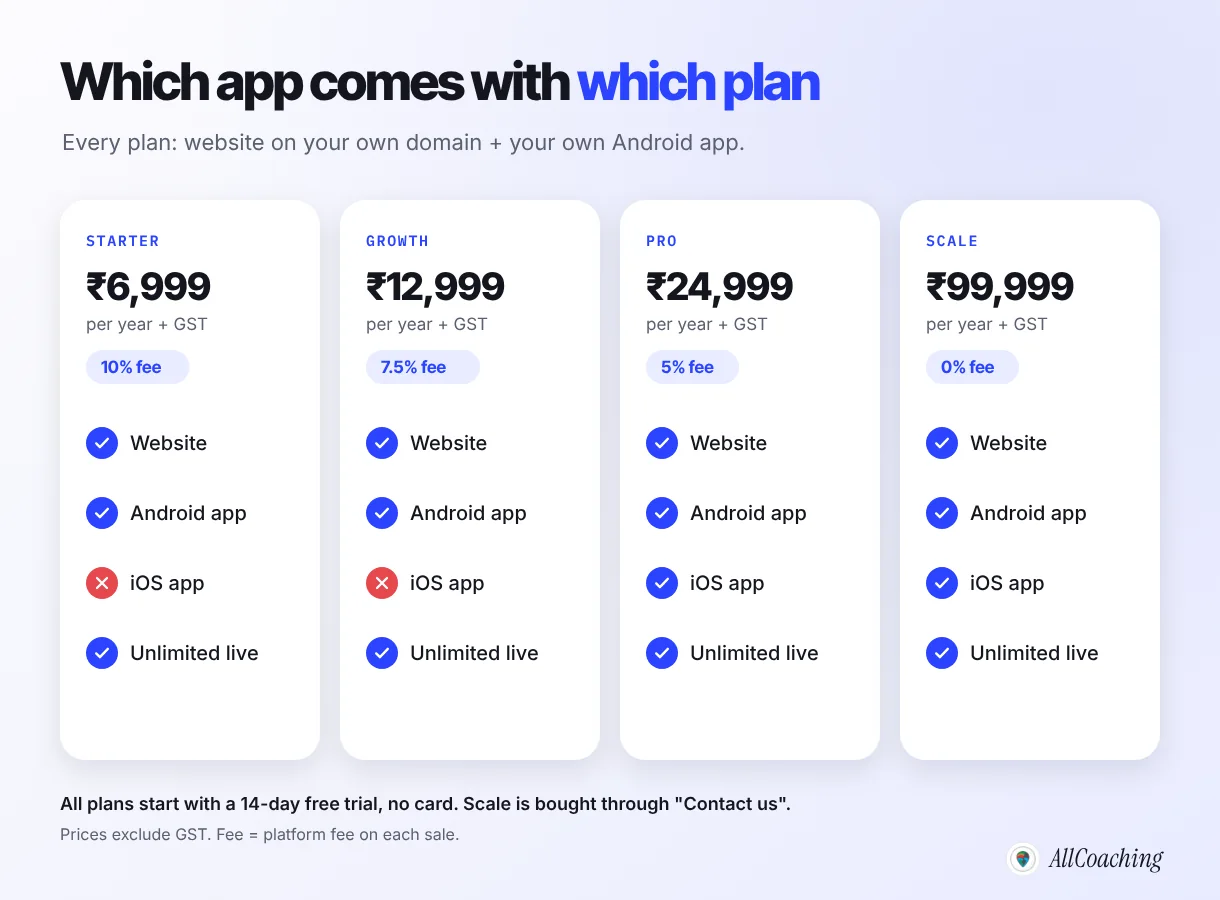
- On AllCoaching, your own white-label Android app is on every plan and the iOS app is on Pro and Scale, after a 14-day free trial with no card; plans run from ₹6,999 a year plus GST.
Can you really make a coaching app without coding?
Yes. Most Indian educators who have their own app today did not write a line of code; they used a platform that already had the app built and filled it with their own content and brand. What you choose is not whether to code, but who builds and maintains the app for you.
A coaching app looks simple from the outside: a login screen, a list of courses, videos, PDFs and a test. Underneath, it needs a server, video playback that works on slow mobile data, a payment flow that confirms UPI payments and opens access, a way to add new lessons without releasing a new app version, and regular updates so it keeps working on new Android and iOS versions. Writing all of that yourself is a software project, not a teaching task.
That is why no-code routes exist. In each of them the hard parts are built once and shared, and you work through forms and buttons: upload a video, set a price, choose a colour. The differences between routes come down to three questions: who builds the app, who can change it next month, and what else you still have to stitch together around it.
Educators we work with often start with the wrong question, "which app should I build?", when the useful one is "where will my students learn, pay and come back every week?" The app is the front door. The course library, tests, live classes and checkout behind it are what make it worth opening.
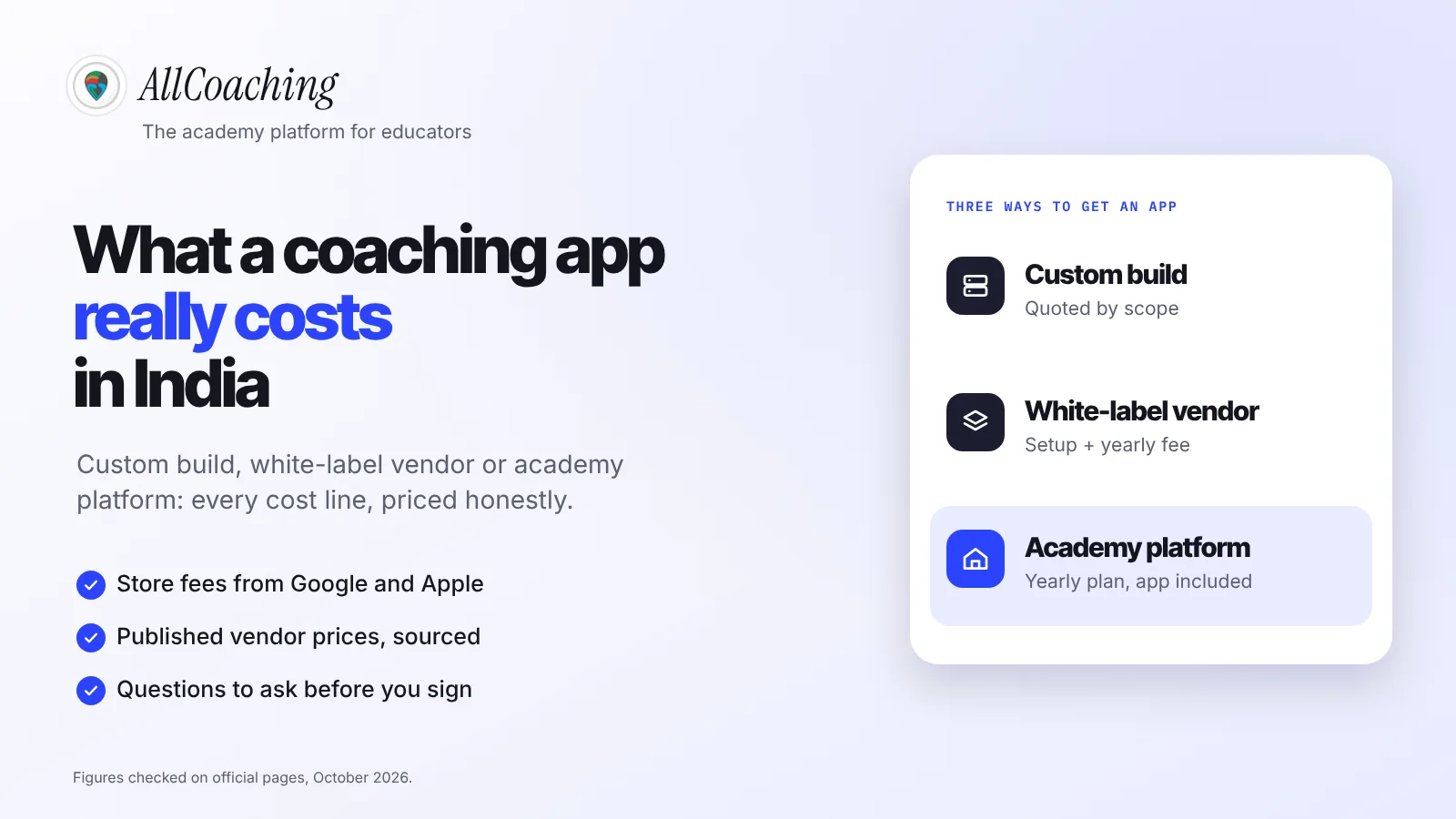
Three ways to build a coaching app: agency, no-code builder or academy platform
You can hire an agency or freelancer to build a custom app, assemble one yourself in a general no-code app builder, or use an academy platform where a white-label coaching app comes with your LMS. Each fits a different educator.
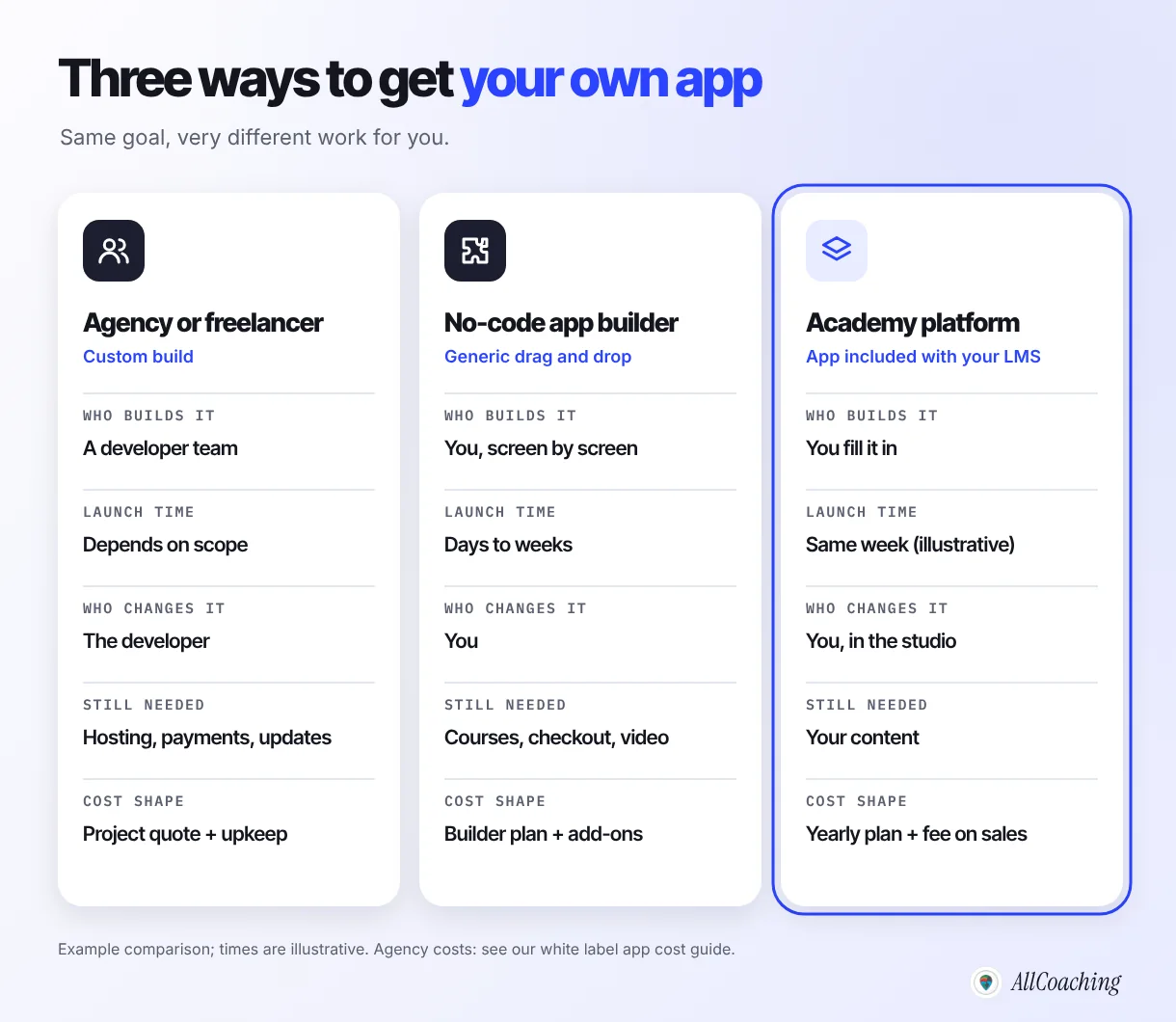
1. Hire an agency or freelancer (custom build)
A developer team designs and codes an app to your specification. You get exactly what you asked for, and you pay for every part of it: design, build, testing, store publishing, hosting, and then every change and update after launch. Quotes vary so widely with scope that a single number is misleading; our guide to white label coaching app development cost in India lists the line items to ask about and what vendors publish. The catch most educators meet later is not the first invoice but the second: a new feature, a broken payment flow or an Android update means another ticket and another wait.
2. Use a no-code app builder
General app builders let you drag screens together without code. They are built for every kind of business, so a coaching app is something you assemble: you design the screens, then find a way to add a course library, video playback, tests, a checkout that opens access after payment, and a website. That can work for a simple content app, but educators usually discover that the hard parts of a coaching app are exactly the ones a generic builder leaves to them.
3. Use an academy platform with a white-label app
An academy platform (an LMS made for educators) gives you courses, tests, live classes, payments and a website as one system, and the student app is part of it. A white label coaching app means the app carries your academy's name, logo and colours, not the platform's. You change content and settings yourself in the platform's studio, and new lessons appear in the app without a new release. The trade-off: you work within what the platform offers rather than designing every screen from scratch.
| Agency or freelancer | No-code app builder | Academy platform with app | |
|---|---|---|---|
| Who builds it | A developer team | You, screen by screen | The platform; you fill it in |
| Who changes it later | The developer | You | You, in the studio |
| Courses, tests, live classes | Built to order | Usually add-ons or workarounds | Included |
| Payments and access | Built to order | Often a separate tool | Included |
| Website | Separate project | Sometimes | Included, on your domain |
| Cost shape | Project quote plus upkeep | Builder plan plus add-ons | Yearly plan plus a fee on sales |
If you want to see more options side by side, including running a batch on WhatsApp and Telegram with no app at all, our comparison of personal coaching app alternatives covers four routes and when each fits.
What does a coaching app for teachers need?
A coaching app for teachers needs eight basics: student login, a course library, video lessons, PDF notes, tests, live classes, UPI and card payments, and your own brand. Everything else is a later decision.
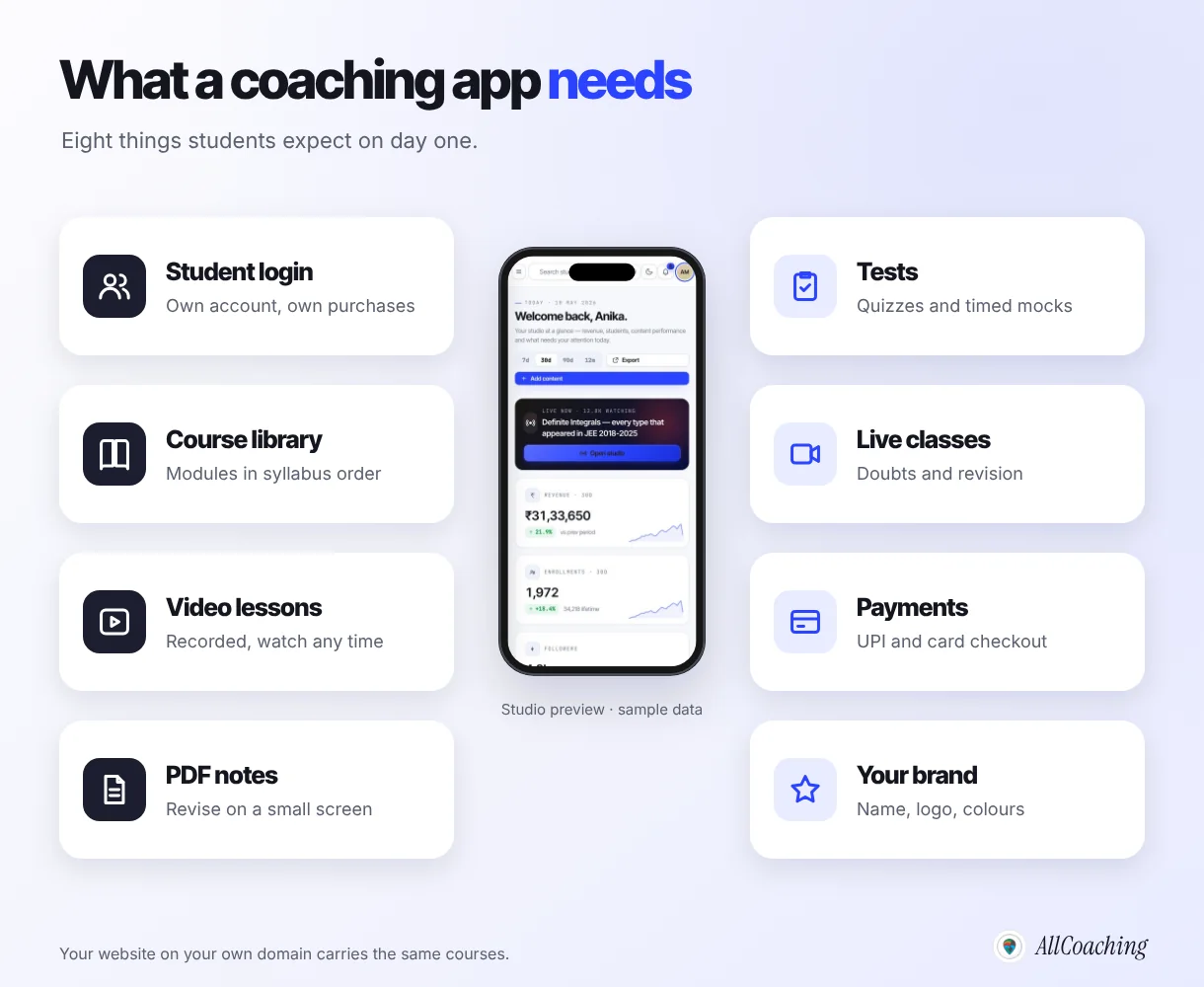
- Student login: each student has an account that remembers what they bought and where they stopped.
- Course library: courses split into modules in syllabus order, so a student always knows what comes next.
- Video lessons: recorded lessons that play smoothly on a basic Android phone on mobile data.
- PDF notes: chapter notes, formula sheets and previous-year questions readable on a 6-inch screen.
- Tests: chapter quizzes and timed mock tests with answers, the part exam students return to most.
- Live classes: a weekly doubt class or revision session, so the course feels taught, not just sold.
- Payments: UPI and card checkout that opens the course automatically once the payment succeeds.
- Your brand: your academy name, logo and colours, so students know whose app they installed.
On AllCoaching all eight sit in one studio. Videos come in through YouTube and are unlimited on every plan, PDF notes and test series live in the Content section, live classes run through YouTube Live, Zoom or the built-in live room with no hour caps, and UPI or card checkout opens access on its own, with payouts through Razorpay. The same courses appear on your academy website and in your app. For the course itself, our guide to creating your first online course covers structure, recording and tests in detail.
Question educators ask
What about push notifications, chat and other extras?
Treat extras such as push notifications, in-app chat or doubt forums as questions to ask before you choose any provider, not as reasons to delay launch. Check what is included in your plan today, in writing. Students stay for clear lessons, regular tests and a teacher who shows up live, not for the number of features.
How to make a coaching app without coding: 6 steps
Sign up and start the free trial, choose a plan, upload your first course, brand the academy with your name, logo and colours, connect your domain, and share the app with your students. Payments, student access, apps and hosting then run on their own.
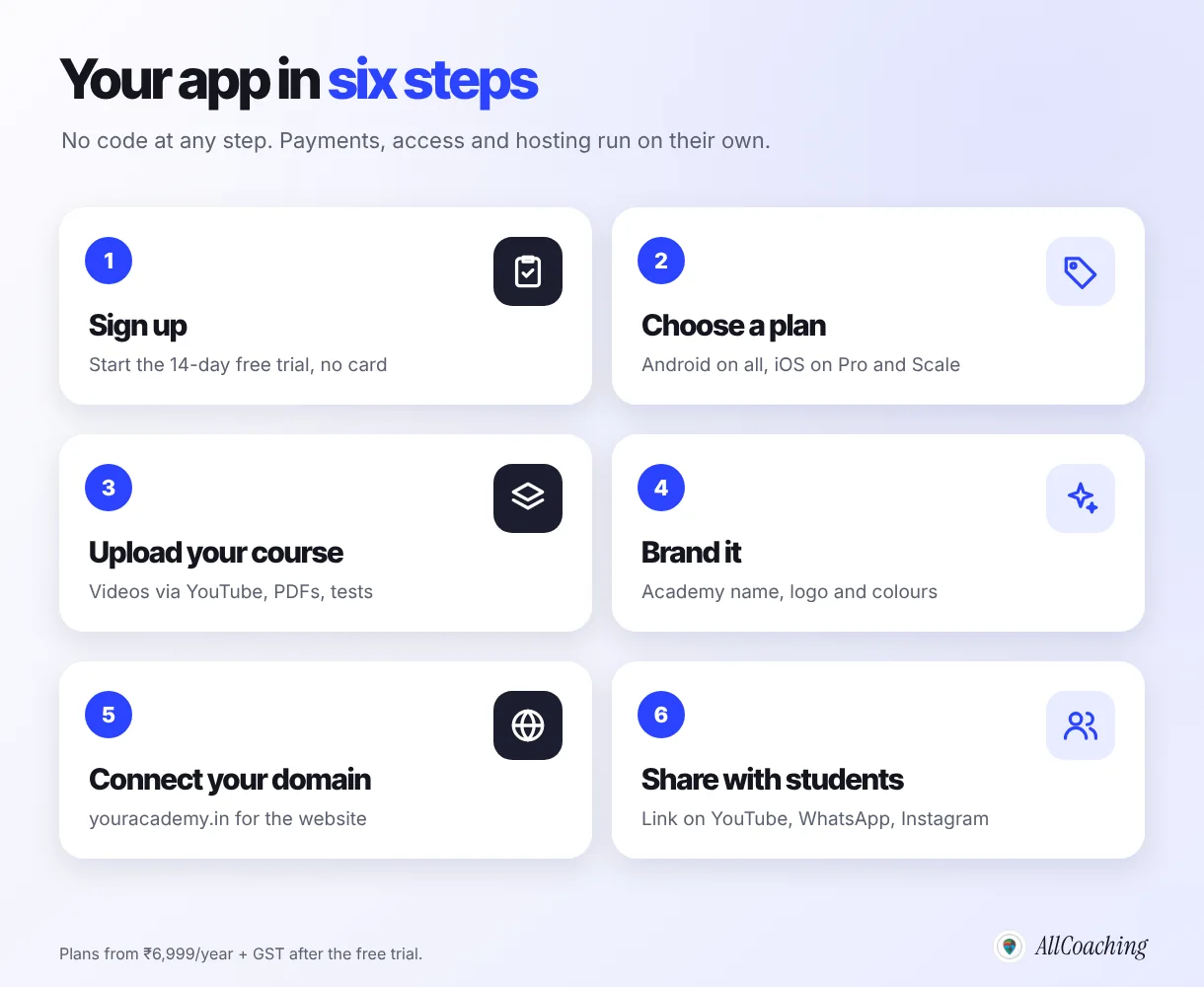
- Sign up and start the free trialCreate your account and start the 14-day free trial; no card is needed to start.
- Choose a planPick the plan that fits your sales and apps: own Android app on every plan, iOS app on Pro and Scale.
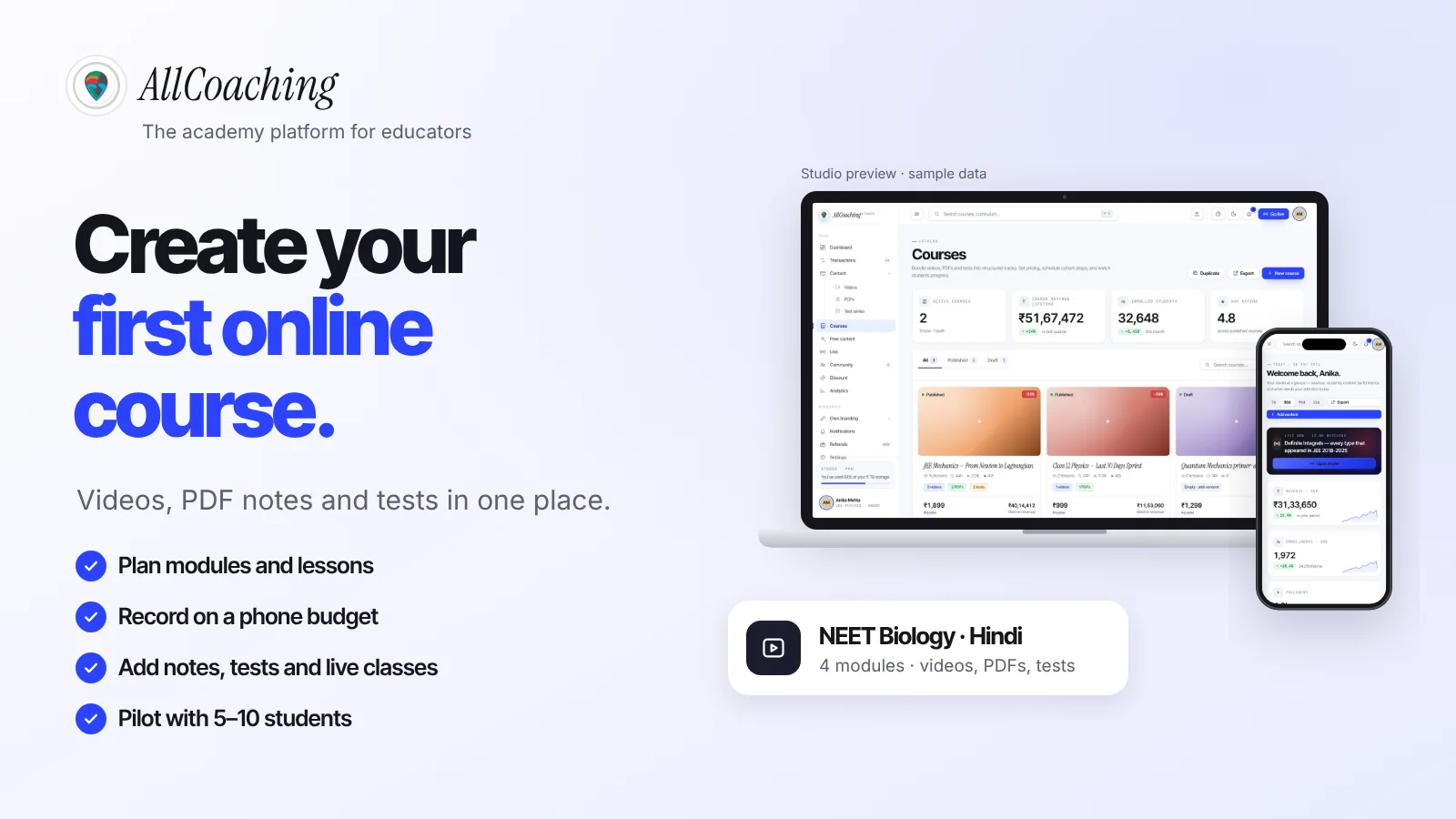
- Upload your first courseAdd videos via YouTube in syllabus order, a PDF of notes and a test per module, and mark lesson 1 as a free demo.
- Brand itAdd your academy name, a square logo and your colours so the app and website carry your brand.
- Connect your domainPoint your own domain, such as youracademy.in, to your academy website.
- Share the app with your studentsPost the link on YouTube, WhatsApp and Instagram and install it together with your current batch.
Step 1: Sign up and start the trial
Create your account and start the 14-day free trial; no card is needed to start. Use the trial to build for real, not to browse: upload one module, set a price and walk through the checkout as a student would.
Step 2: Choose a plan
The plan decides which apps you get and the fee on each sale. Your own white-label Android app is on every plan; the iOS app is on Pro and Scale. More on choosing in the Android and iOS section below.
Step 3: Upload your first course
Add one complete course before you think about the app's look: videos in syllabus order (uploaded to YouTube as unlisted, which YouTube's help centre says anyone with the link can watch but which does not show in search results6), a PDF of notes per module, a module test and lesson 1 marked free as a demo. An app with one excellent course beats an app with ten empty ones.
Step 4: Brand it
Add your academy name, logo and colours in the studio's branding settings. They carry across the app, the website and the course pages. The next section covers how to choose them.
Step 5: Connect your domain
Point a domain such as youracademy.in to your academy website. Every AllCoaching plan includes connecting your own domain. The website matters for an app: it is where a student lands from a YouTube link, watches the demo lesson and decides to install.
Step 6: Share the app with your students
Start with the students you already have: your current batch, your WhatsApp group, your YouTube subscribers. The install section below shows where to put the link and what to say.
Build your own academy. Try it free for 14 days.
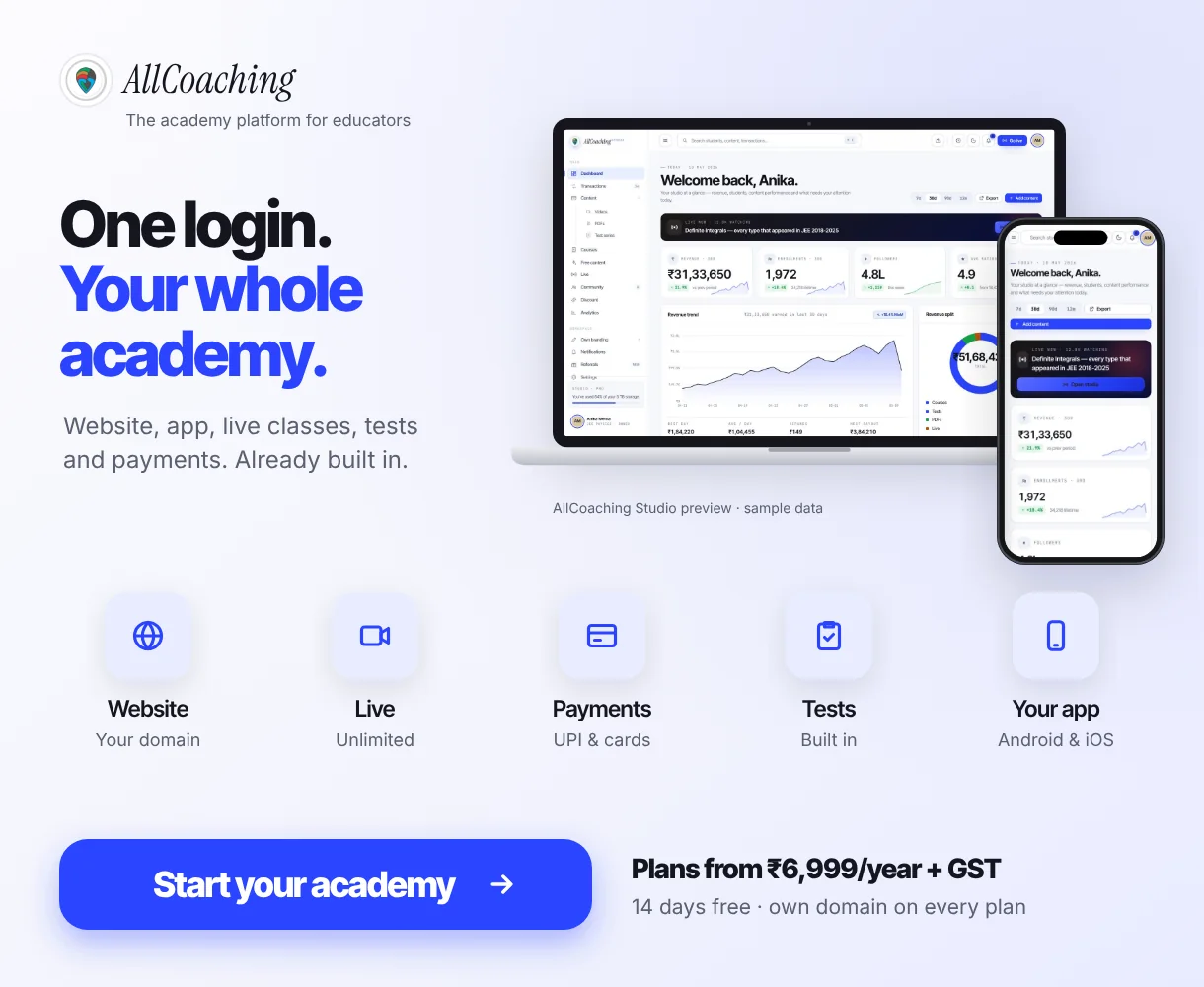
Website on your own domain, your own Android app (iOS app on Pro and Scale), unlimited live classes and UPI checkout on every plan. Plans from ₹6,999 a year after the trial (excl. GST).
No card needed · Cancel anytime in the trial · Your data stays exportableHow do you brand a white label coaching app?
Brand a white label coaching app with four decisions made before you open the studio: an academy name students can say and type, a square logo that reads at icon size, one main colour plus one accent, and a domain that matches the name.
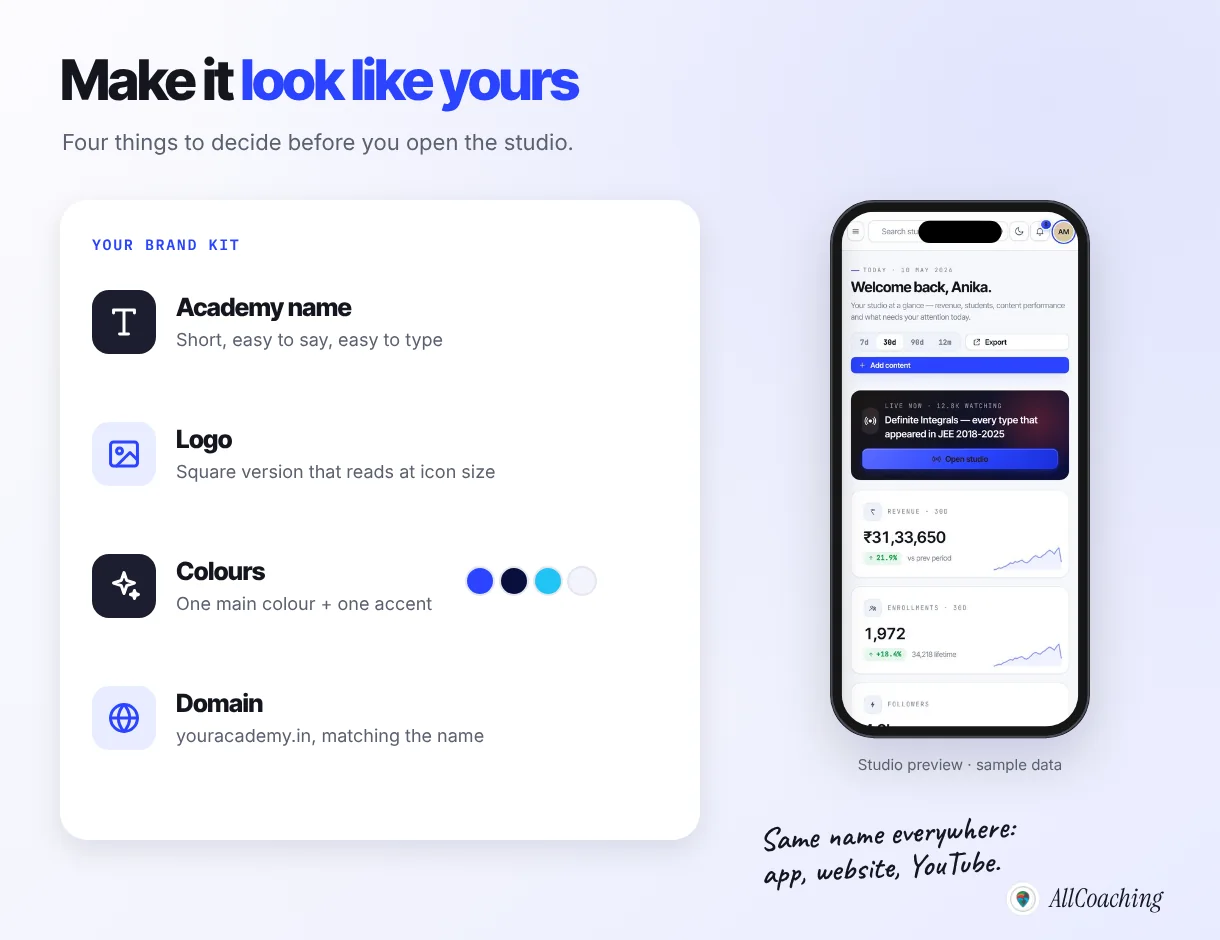
The academy name
Use the name students already know you by. If your YouTube channel is "Sharma Sir Maths", the app should not be called something new and clever; students search for the name they know. Keep it short enough to fit under an app icon on a phone home screen, and check the matching domain is available before you settle on it.
The logo
An app icon is small. A logo with a long name written across it turns into a smudge at icon size. Make a square version: an initial, a simple mark or a short word on a solid colour. Test it by shrinking it to the size of a fingernail on your own phone screen.
Colours
Pick one main colour for buttons and headings and one accent. Check that white text is readable on your main colour; very light yellows and pastels often fail on a bright phone screen outdoors.
Consistency
Use the same name, logo and colours on your app, website, YouTube channel art, Instagram profile and WhatsApp display picture. When a student taps a link and sees the same face and name they followed on YouTube, they trust the install.
Do you need an Android app, an iOS app or both?
Start with Android: for most Indian coaching students, especially in tier-2 and tier-3 cities, an Android phone is the device they study on. Add iOS when a meaningful share of your students, often working adults, CAT or CLAT aspirants and students abroad, ask for it.
What the stores require if you publish yourself
If you build an app yourself or through an agency, you deal with the stores directly. Google Play's help centre states:
"There is a US$25 one-time registration fee."
Google Play Console Help1Google also asks personal developer accounts created after 13 November 2023 to run a closed test with at least 12 testers for at least 14 days before the app can go live.2 Apple's Developer Program costs 99 USD a year.3 And apps need regular updates: Google Play requires new apps and app updates to target a recent Android API level,5 so an app nobody maintains eventually cannot ship updates.
Apple's guidelines matter for template-based apps in particular. Guideline 4.2.6 reads: "Apps created from a commercialized template or app generation service will be rejected unless they are submitted directly by the provider of the app's content."4 Whichever provider you choose, ask whose developer account the app is published under and what happens to it if you leave.
Which AllCoaching plan includes which app
| Plan | Price per year | Platform fee | Android app | iOS app |
|---|---|---|---|---|
| Starter | ₹6,999 | 10% | Yes | No |
| Growth | ₹12,999 | 7.5% | Yes | No |
| Pro | ₹24,999 | 5% | Yes | Yes |
| Scale | ₹99,999 (via Contact us) | 0% | Yes | Yes |
Every plan includes the website as well as the app, so a student on an iPhone can still learn from your academy website on Starter and Growth while you grow into Pro.
How do you get students to install your coaching app?
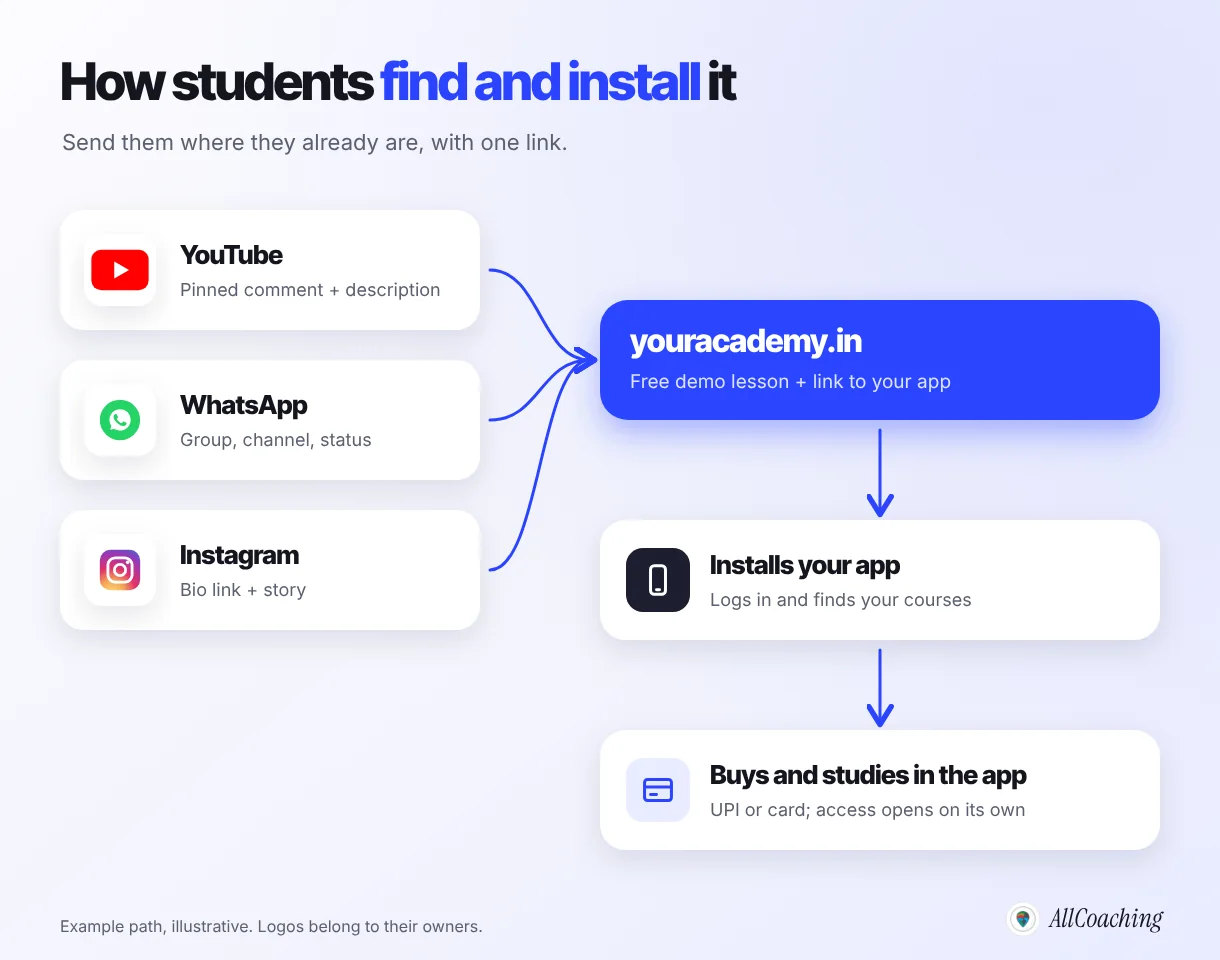
Give students a reason before you ask for the install: send them from YouTube, WhatsApp and Instagram to a free demo lesson on your academy website, and ask them to install the app once they have something to come back to. "Download my app" alone rarely works; "the notes and test for today's class are in the app" does.
From YouTube
Put your academy link in the first two lines of every video description and in a pinned comment. At the end of a useful free video, say exactly what the student gets in the app: "the PDF of these 20 questions and a timed test are free inside the app". A specific reason converts better than a general request.
From WhatsApp
Your existing batch group is the fastest first 50 installs. Move one thing into the app and announce it: this week's notes, the mock test, or the live class link. Keep the group for announcements and point every announcement to the app. Many students resist leaving WhatsApp at first; move them with content, not with rules.
From Instagram
Use the bio link for your academy website, and stories with a link sticker on days you post a new test or live class. Reels bring new people; the bio link turns the interested ones into students.
In class
If you teach offline, give the first five minutes of one class to installing together: students open the link, log in, and open the free lesson while you are in the room. Educators we work with often find this single step does more than a week of posts.
For the next stage, our guide on how to get your first 500 students for a coaching app covers content, referrals from existing students and paid ads in more depth.
How much does a coaching app cost in India?
The cost of a coaching app in India depends on the route: a custom build is quoted by scope and needs ongoing upkeep, while an academy platform charges a published yearly plan plus a fee on each sale. Compare the full year, not the first payment.
We do not put a single number on agency builds here, because quotes for "app plus website plus LMS plus payments" vary too much to be useful. Our coaching app development cost guide breaks down the eight cost lines (design and build, store accounts, hosting, video and live classes, payments, website and domain, maintenance and marketing) and the questions to ask any vendor.
On AllCoaching the app is part of the plan, not a separate project. After a 14-day free trial with no card, plans are Starter ₹6,999, Growth ₹12,999 and Pro ₹24,999 a year with a 10%, 7.5% or 5% platform fee on sales, or Scale at ₹99,999 a year with a 0% platform fee, which you buy through Contact us. Prices exclude GST. Which plan costs least overall depends on your yearly sales (before GST): Starter below about ₹2.4 lakh, Growth from ₹2.4 to ₹4.8 lakh, Pro from ₹4.8 to ₹15 lakh, and Scale above ₹15 lakh. See AllCoaching pricing for the full plan details.7
Question educators ask
Can I create a coaching app for free?
You can build and test one free during a trial. On AllCoaching every plan starts with a 14-day free trial, no card needed, which is enough to upload a course, brand the academy and try the app with a few students. After the trial you choose one of the annual plans; there is no free tier.
Payment gateway charges sit on top of any platform. If you are new to collecting fees online, our guide to accepting UPI payments for online courses explains how checkout, gateway fees and payouts work.
Common mistakes when making a coaching app
The most common coaching app mistakes are launching the app before there is content, chasing features instead of the basics, ignoring the website, choosing a name students do not recognise, going quiet after launch, and not checking how to take your data with you.
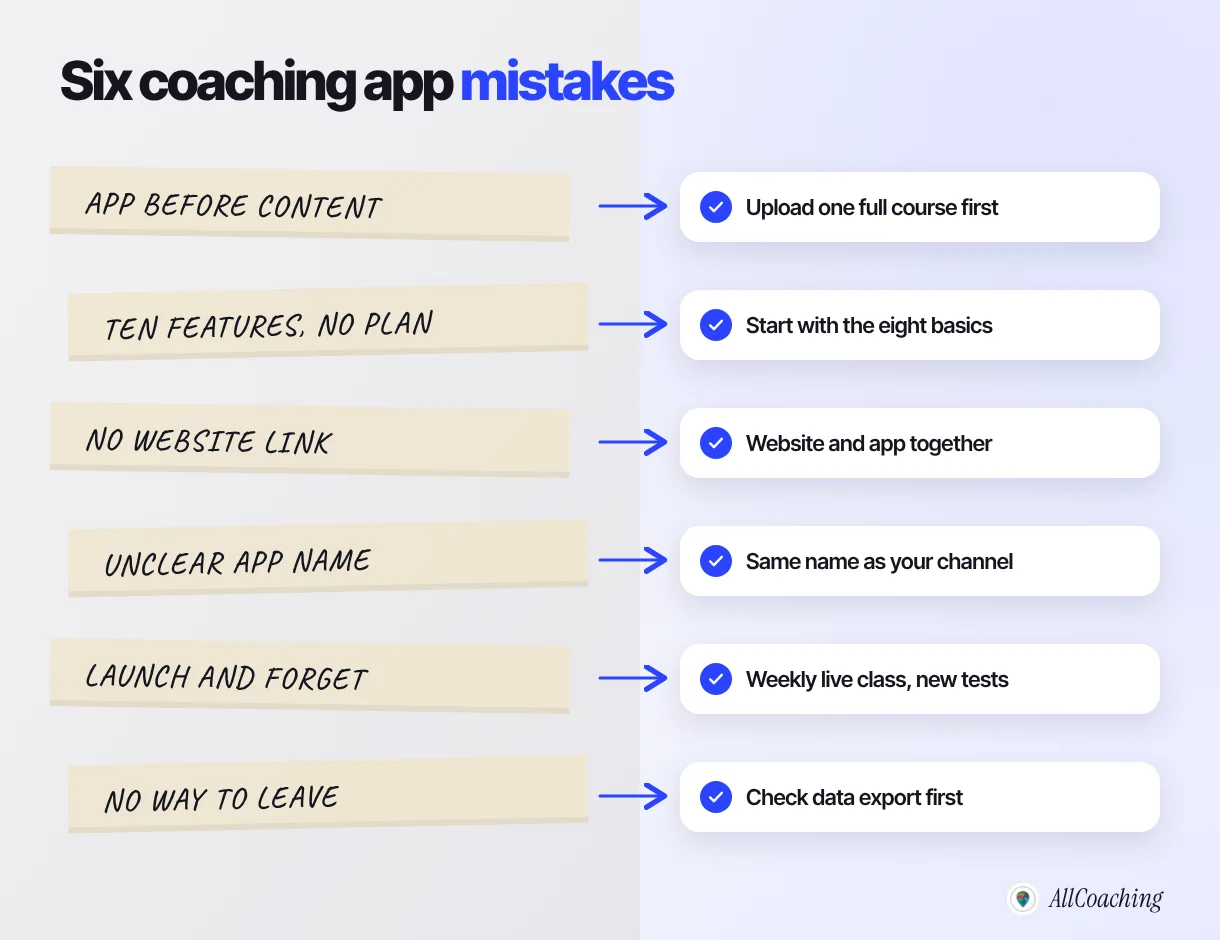
- App before content. An empty app gets uninstalled. Upload one complete course with notes and tests before you share the link.
- Ten features, no plan. Start with the eight basics above. Add more only when students ask for something twice.
- No website. Links from YouTube and Instagram open in a browser. Without a website and a demo lesson, the student has nothing to see before installing.
- An unclear app name. Use the name students already follow, not a new brand they have never heard of.
- Launch and forget. A weekly live class and a new test every week give students a reason to open the app. Without them, installs turn into uninstalls.
- No way to leave. Before you sign with anyone, ask how you export your students and content. On AllCoaching your content and student data stay exportable.
"Students do not open an app because it exists. They open it because today's notes, today's test and today's class are inside."
Amit Ratan, Founder & CEO, AllCoachingWhen is a custom-built coaching app worth it?
A custom app is worth it when you need software no platform offers, such as a unique learning tool, deep integration with your institute's own systems, or a design you must control screen by screen, and you have the budget and a team to maintain it.
Large multi-centre institutes sometimes reach that point. For an individual educator or a small institute starting out, it usually makes sense to launch on a platform first, learn what your students actually use, and only then decide whether anything is missing. If you later outgrow it, having your content and student data exportable keeps that option open.
If you are still deciding what kind of business you are building, our explainer on what an online academy is shows how the website, app, courses and payments fit together.
Glossary
- White-label app
- An app built and maintained by a platform but published under your academy's name, logo and colours.
- No-code
- Building software through forms, settings and drag and drop instead of writing programming code.
- LMS (learning management system)
- Software that holds courses, lessons, tests and student progress, and controls who can access what.
- App builder
- A general tool for assembling an app from ready-made screens and blocks, not specific to teaching.
- Developer account
- The account on Google Play or the Apple Developer Program that an app is published under.
- Platform fee
- The percentage a platform keeps from each sale, on top of a yearly plan where one applies.
- Demo lesson
- A free lesson that lets students judge your teaching before they buy or install.
- Custom domain
- Your own web address, such as youracademy.in, connected to your academy website.
Frequently asked questions
How can I make a coaching app without coding?
Use an academy platform that includes a white-label app. Sign up, choose a plan, upload your courses, PDFs and tests, add your academy name, logo and colours, connect your domain and share the app with your students. The platform builds, hosts and updates the app.
Can I create a coaching app for free?
You can build and test one during a free trial. On AllCoaching every plan starts with a 14-day free trial with no card needed; after that you choose an annual plan from ₹6,999 a year plus GST. There is no free tier.
What is a white label coaching app?
A white label coaching app is a student app built and maintained by a platform but published with your academy's name, logo and colours, so students see your brand rather than the platform's.
What features should a coaching app have?
Student login, a course library, video lessons, PDF notes, tests, live classes, UPI and card payments, and your own brand. Add extras only when students ask for them.
Do I need an Android app or an iOS app for my coaching institute?
Start with Android, since most Indian coaching students study on Android phones. Add iOS when enough of your students ask for it. On AllCoaching the own Android app is on every plan and the iOS app is on Pro and Scale.
How much does it cost to make a coaching app in India?
A custom build is quoted by scope plus upkeep, so compare full-year quotes. On AllCoaching the app comes with the plan: Starter ₹6,999, Growth ₹12,999 or Pro ₹24,999 a year with a 10%, 7.5% or 5% fee on sales, or Scale ₹99,999 a year at 0%, all excluding GST.
How long does it take to launch a coaching app without coding?
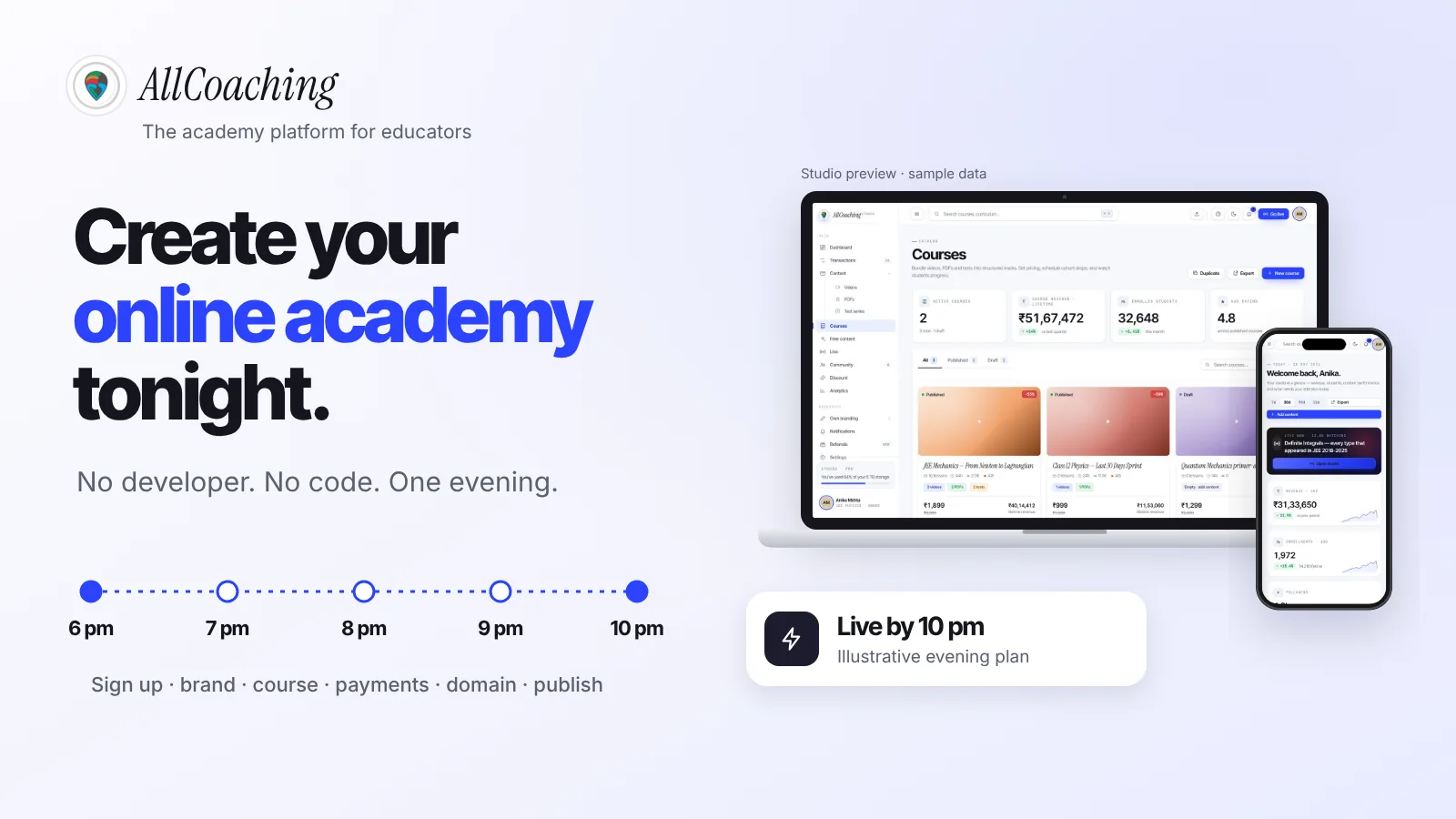
On an academy platform, the setup itself can fit into a few evenings once your first course is recorded. Recording the course usually takes longer than building the app.
How do I get students to download my coaching app?
Give them a reason first. Link to a free demo lesson from YouTube descriptions, WhatsApp groups and your Instagram bio, move notes and tests into the app, and install it together with your current batch in class.
Sources
- Google, "Play Console Help: Get started with Play Console" (registration fee). support.google.com, checked October 2026.
- Google, "Play Console Help: App testing requirements for new personal developer accounts". support.google.com, checked October 2026.
- Apple, "Apple Developer Program enrollment". developer.apple.com, checked October 2026.
- Apple, "App Review Guidelines", guideline 4.2.6. developer.apple.com, checked October 2026.
- Android Developers, "Meet Google Play's target API level requirement". developer.android.com, checked October 2026.
- YouTube Help, "Change video privacy settings" (unlisted videos). support.google.com, checked October 2026.
- AllCoaching pricing, allcoaching.in/pricing, October 2026.
Amit builds AllCoaching, the academy platform Indian educators set up themselves: their own website on their own domain, their own app, and the tools to grow it. This guide comes from helping educators set up their own branded academies and apps; app store rules are linked to Google's and Apple's official pages, and timings and example paths are marked as illustrative.